The best portable laptop monitors for busy parents
As a parent entrepreneur, your work doesn’t stop when the kids come home from school. Between managing your business, helping with homework, and keeping the household running, the right tools can supercharge efficiency and productivity, which means you’ll get more done with the little time you have. I am a mum of four with multiple businesses, and my latest venture is taking up what spare time I have left. So when I’m either working at home, in the office, or in my second home office, I want to limit falling into the trap of buying laptop equipment that promises the world but delivers more frustration instead.
Today, I want to share what really works when it comes to portable laptop monitors for busy parents, and more importantly, what doesn’t, because when you’re juggling client calls during nap time or finishing proposals after bedtime, the last thing you need is unreliable tech that adds stress to your already packed day.
The reality of long work hours as a parent entrepreneur
Many parent entrepreneurs today work longer hours than they ever did in traditional employment. You start the day with coffee and school runs. As the hours pass, the tabs on the screen begin to pile up and you’ve had to respond to emails, get the mail, load the dishwasher, and attend a last-minute meeting. Notes crowd over research, and you’ve resorted to dividing the screen by four to reduce the amount of flipping between programs. You experience mind fog and attention slips away by mid-afternoon. You look at the clock, and it’s time for school pickup.
But what makes it even more challenging for us parents is that we don’t always have the luxury of working in a quiet office either. One minute you’re analysing quarterly reports, the next you’re mediating a sibling argument. Then, back to your laptop, only to find that you’ve lost track of which window had that important document.
This is where laptop screen extenders come in! They may not do your laundry for you, but they will increase productivity by 42%. And the time you save simply by being efficient is priceless!
Laptop screen extenders can optimise your workspace and help you focus during your long work stretches, especially when those hours are constantly interrupted by family life. In this article, we will explore what to look for in laptop screen extenders, as well as what to avoid when shopping for one.
Time and focus are the currency for parent entrepreneurs
We have so little of it, and when we do have it, we have to use it wisely. So much easier said than done when you are consistently fatigued, both mentally and physically.
For parent entrepreneurs, focus isn’t just about productivity; it’s about making the most of the limited time we have. When you finally get those precious few hours while the kids are at school or asleep, every minute counts. You can’t afford to waste time shuffling between windows or losing track of important information.
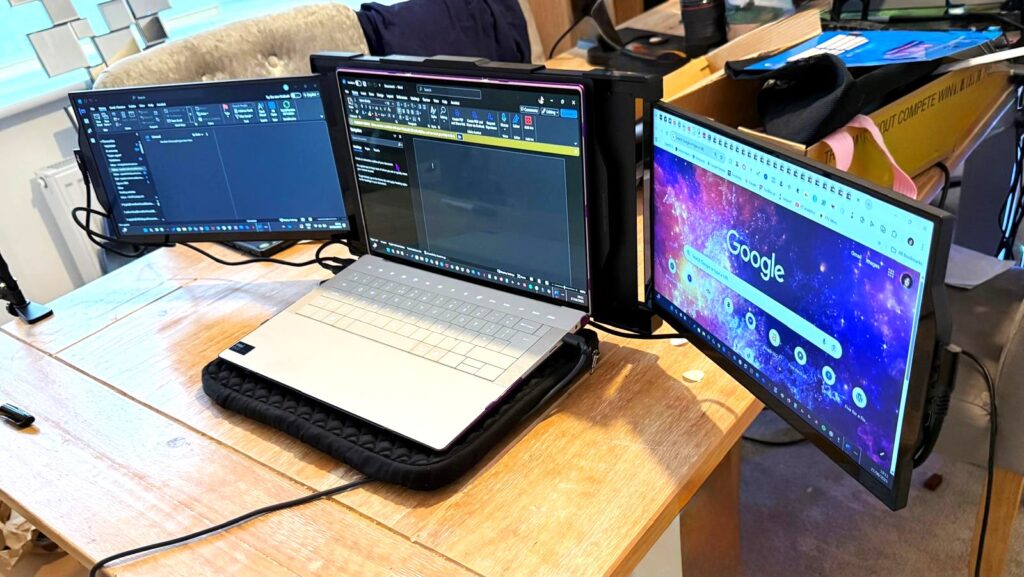
A product like the Mobile Pixels Trio laptop screen extender can save you from this chaos, but only if you choose the right one. Unfortunately, the market is flooded with poorly designed options that promise the world but deliver disappointment.
With a reliable extender, you get space for every task. So, you don’t need to keep shuffling the tabs. Imagine it this way:
One screen can hold the numbers for your quarterly budget
Another can display the client proposal you’re drafting
A third can carry the references and research materials
And with everything in sight, the brain can stay in flow without interruption. Undoubtedly, this flow is priceless for busy parents. It is the difference between “working ten hours and feeling crushed” or “working ten hours and still having clarity at the end”.
What issues to look out for with popular screen extenders
Before we dive into what works, let me share some feedback about a popular (and expensive) dual-screen extender that many parent entrepreneurs have wasted money on. This particular model costs around £400, a significant investment for any parent running a business.
The port placement disaster
One of the most frustrating issues with this expensive model is the poor port placement design. When you connect the cables, you end up blocking the control buttons. This means you literally cannot use the device’s functions without unplugging and reconnecting cables in an awkward, unnatural position.
Imagine you’re in the middle of an important client presentation, and you need to adjust your screen setup. Instead of a quick button press, you’re fumbling with cables while your client waits. As one reviewer noted:
“The ports, if you connect the cable, the HDMI cable, and the Type C cable in a certain way that are more natural to connect, you will block the buttons so people won’t be actually be able to press the buttons without unplugging the HDMI.”
The cable chaos problem
Another major issue that particularly affects parent entrepreneurs who need to work from different locations, like the kitchen table, bedroom, or living room, during kids’ activities is that some extenders require two separate cables: an HDMI cable and a Type-C cable.
This creates multiple problems:
Port shortage: You’re using up two valuable USB-C ports on your laptop, leaving no room for your charger or other essential devices
Portability nightmare: Carrying around two cables increases the chance of forgetting one
Setup complexity: Every time you set up, you need to connect two cables correctly
As the reviewer explained:
“They use up very important real estate space on your laptop because you’re now occupying two Type Cs. And if you’re connecting your charger with a normal work laptop, you run out of plugs.”
The weight and balance crisis
This is perhaps the most concerning issue for parent entrepreneurs, who often work on their laptops in various positions, i.e. on the bed while kids sleep nearby, at the kitchen counter while dinner cooks, or on the couch during family time.
The weight of this particular extender actually broke the laptop stands and put dangerous stress on the laptop hinges. As the reviewer discovered:
“It’s also very heavy that it’s actually broken the stands of my laptop… My dad said that it’s very bad on the hinges of the laptop as well.”
The magnetic attachment system makes the problem worse by lifting the entire laptop base, putting all the weight stress on the hinges rather than distributing it properly.
“The whole load from the base of your laptop is working on your hinges,” the reviewer explained.
The build quality disappointment
For £400, you’d expect premium build quality. Instead, this model uses cheap plastic that scratches easily and feels flimsy.
“The plastic is just going to break very easily. One of the screens has been scratched because of how they engineered the whole construction of it.”
The attachment mechanism is particularly problematic:
“It’s very flimsy to take in and out as well. That’s a big one. I really struggle to.”
More space brings calm and leads to better focus
Today, everyone talks about multitasking. However, the truth is that our brains can’t cope with it daily, especially when you’re already mentally juggling work tasks with family responsibilities. A reliable extender offers that space, as it allows the work to spread easily across the screen in an uninterrupted flow.
And, the point is not only about being faster. It is also about staying calm while working. With a clear space, your shoulders drop, your eyes stop darting back and forth, and the work feels steadier. You can also focus better, even when you are working late into the night after the kids are asleep.
What to look for in a reliable portable laptop monitor
Based on real user experiences and the needs of parent entrepreneurs, here’s what actually matters:
Single cable solution
Avoid any extender that requires multiple cables. Look for models that use a single USB-C cable for both power and video. This simplifies setup, reduces cable management, and preserves your laptop’s precious ports for other devices.
Lightweight design with proper support
The extender should be light enough not to stress your laptop hinges, but if it does add significant weight, it should include a proper stand or support system that doesn’t rely entirely on your laptop’s hinges.
Durable build quality
Skip the cheap plastic options. Look for aluminium construction or high-quality materials that can withstand daily use, travel, and the occasional accidental bump from curious little hands.
Intuitive button placement
Control buttons should be easily accessible regardless of how cables are connected. You shouldn’t need to contort your setup or unplug cables just to adjust brightness or settings.
Magnetic vs. clamp attachment
While magnetic attachment is convenient, it can create balance problems. Some of the most reliable options use adjustable clamps or stands that properly distribute weight.
Great for parents who can’t afford breaks
With a durable extender, you don’t lose momentum when your work time is fragmented. These extenders remain reliable even when used in short bursts throughout the day and far past the point when others would have given up for the day.
The hidden costs of choosing wrong
When you choose a poorly designed laptop screen extender, the real cost goes beyond the initial purchase price. Consider these hidden expenses:
Laptop repair costs
If the extender damages your laptop hinges or screen, you’re looking at expensive repairs. For many parent entrepreneurs, the laptop is the primary business tool – its failure means lost income.
Lost productivity time
Every minute spent wrestling with cables, adjusting awkward positioning, or dealing with technical issues is time stolen from either work or family. For a problematic device, you’re paying premium prices for premium frustration.
Replacement costs
When a poorly built extender breaks or becomes unusable, you’re back to shopping again. The reviewer of our expensive example concluded: “I’m very annoyed. And I would send it back.”
Creating your ideal work setup as a parent entrepreneur
The key to a successful portable monitor setup for parent entrepreneurs is thinking beyond just the screen itself. Consider your entire workflow:
Location flexibility
Your setup needs to work in multiple locations. The kitchen table for early morning work, the living room for evening catch-up, the bedroom for late-night client calls when kids are sleeping nearby.
Quick setup and teardown
When you need to clear the space for dinner or family time quickly, your setup should pack away easily without multiple cables and components.
Child-proofing considerations
Young children are naturally curious about screens and gadgets. Your setup should be stable enough that accidental bumps don’t cause expensive disasters.
Noise considerations
Some extenders have fans or make electrical sounds that can disturb sleeping children or interfere with client calls.
Laptop screen extender is a long-term companion
A reliable extender is an investment for parent entrepreneurs who plan for the long term. The best option lasts through many years of diverse use cases – from client presentations to late-night project work to mobile office setups during family vacations.
You will notice that their hinges don’t loosen, frames don’t crack, and they even carry the weight of daily work without complaint. This is the kind of endurance that matters in more than one way. Yes, it saves you money by avoiding the need for replacements. It also builds a relationship of trust. So, when a parent entrepreneur starts their work session – whether it’s a 6 AM pre-kid work block or an 11 PM catch-up session – they know their extender will perform as expected.
For parent entrepreneurs, this reliability is crucial. When you have limited time to work, equipment failures aren’t just inconvenient – they can derail entire projects and affect client relationships.
Alternative solutions worth considering
While screen extenders can be valuable, they’re not the only solution for parent entrepreneurs struggling with screen space:
External monitor setup
If you primarily work from a home office, a traditional external monitor might offer better value and reliability than a portable extender. Modern monitors are more affordable than ever, and they don’t put stress on your laptop.
When it’s time to upgrade your laptop, consider models with ultra-wide screens instead of adding an extender. This eliminates compatibility issues and cable management.
Virtual desktop solutions
Software solutions that help organise your workspace might address screen real estate issues without requiring additional hardware.
The parent entrepreneur’s decision framework
Before investing in any portable laptop monitor, ask yourself:
Where will I primarily use this? If it’s mainly at a desk, a traditional monitor might be better.
How often will I move it? More frequent movement means weight and setup complexity matter more.
What’s my backup plan? If the extender fails, how will it affect your work and deadlines?
Can my laptop handle it? Consider both the technical requirements and physical stress.
What’s the total cost of ownership? Include potential laptop damage, replacement costs, and productivity losses.
Final thoughts
Ultimately, you can see that a reliable laptop screen extender can change the way long workdays feel for parent entrepreneurs. They add more space for you to protect your focus during those precious, uninterrupted work hours. With the right screens, you get the comfort and organisation you need. Besides, they become your best partners for productivity when time is your most precious resource.
However, the market is filled with expensive options that promise more than they deliver. The example we discussed shows that a higher price doesn’t always mean better design or reliability. As parent entrepreneurs, we can’t afford to make expensive mistakes with our essential work tools.
Before making any purchase, research thoroughly, read real user reviews, and consider whether the solution actually solves your specific challenges.
The key is finding a balance between functionality, reliability, and cost that makes sense for your unique situation as a parent building a business. Sometimes the best solution isn’t the most expensive one – it’s the one that consistently works when you need it most.
You can also make the switch right away, but make it thoughtfully. Your future self, both as an entrepreneur and as a parent, will thank you for choosing tools that enhance rather than complicate your already complex life.
*Collaborative feature post and gifted product*
Top tips on how to be more productive with ADHD
I am more productive if I chunk similar activities together so I’ll set time aside specifically for social media, schedule writing for a different time etc.
I think a really great way to be productive is to have your to -do list written out and on your clear and clean desk the night before. It means you start the day with absolute clarity of purpose.
Working from home can be distracting when you have a mountain of washing or other household tasks. I often take myself off to a nice cafe with free WiFi so I’m then totally focused on work. A good coffee and slice of cake is a good reward.
I make a list the night before my day off so I don’t procrastinate/waste time in the morning deciding what to do. I feel that way I get up knowing exactly what I’ve got to get done!
Don’t go for the false economy of not buying some of the productivity tools out there. The money you save not doing so is far outweighed by the increase in time you have if you use them. Tools like Tailwind, Buffer, Missing Letter are a godsend for me. And – have a set time to check your emails. Absolutely DON’T have it open all day distracting you.
Try and set certain tasks up the night before, such as the washing machine or dishwasher! By the time you then come downstairs in the morning, some of your tasks will already be done – resulting in more time for other tasks or a 5 minute sit down.
Starting something is probably the hardest thing to do, so the only way to start is, well, to start! Use the above tips to be productive at home, grab yourself a productivity pack like I did and start recording your habits.
Plan your goals and write out your monthly, weekly, and daily goals. Set yourself a target of 30 days to complete your habit and focus on tracking that habit every single day. After a few weeks, you will form your habit naturally as you have focussed on fulfilling that habit. I always feel amazing when I’ve had a particularly productive day.
You just need to find the motivation to start and what better time than to start implementing the ways to be productive now!
FAQs on how to be more productive with ADHD
How to be productive at home with ADHD?
Staying productive with ADHD at home requires creating routines, breaking down big tasks into small goals, and using productivity planners to stay on track.
How can ADHD people be more productive?
By using techniques like the Pomodoro method, prioritising important tasks, and limiting distractions, you can improve your productivity.
Can ADHD contribute to increased productivity and creativity in individuals who do not take medication for the condition?
Yes, many people with ADHD find they have bursts of creativity and productivity, especially during periods of hyperfocus. Medication isn’t always necessary for everyone.
How do I create a routine that sticks for someone with ADHD?
Start by setting small, achievable goals and using tools like task lists, timers, and accountability partners to build habits over time.
What strategies can a person with ADHD use to stay organised and remember tasks in their daily life?
Using visual cues like sticky notes, brain dumps, and productivity apps like Trello or Todoist can help you stay organised and on top of tasks.
How can people with ADHD use digital tools to create a more productive daily routine?
Apps like Trello and Notion offer visual task management, while timers like the Pomodoro technique help break the day into manageable chunks, making it easier to stay focused.
Are adults with ADHD more intelligent or creative?
Some research suggests that people with ADHD can be more creative and thrive in environments that reward innovative thinking. Hyperfocus can lead to impressive productivity in certain areas.
What are some ADHD productivity hacks for staying on task?
Using the Pomodoro method, limiting distractions, and working during peak productivity hours are all excellent ADHD productivity hacks.
*Collaborative feature post*
I feel more productive if I put my phone down… I get so easily sucked into irrelevant things on social media that I lose track of what I’m doing and feel like I have to start again. That goes for both work and at home. Once I sit down and just have 5 minutes, I don’t want to get up again.
I am definitely more productive if I stop working for regular breaks. I either do some housework, walk the dog, go for a run or swim or simply play the piano or read a book for 5 minutes. I’m much more able to properly focus on what I should be doing afterwards.
I am more productive if I chunk similar activities together so I’ll set time aside specifically for social media, schedule writing for a different time etc.
I think a really great way to be productive is to have your to -do list written out and on your clear and clean desk the night before. It means you start the day with absolute clarity of purpose.
Working from home can be distracting when you have a mountain of washing or other household tasks. I often take myself off to a nice cafe with free WiFi so I’m then totally focused on work. A good coffee and slice of cake is a good reward.
I make a list the night before my day off so I don’t procrastinate/waste time in the morning deciding what to do. I feel that way I get up knowing exactly what I’ve got to get done!
Don’t go for the false economy of not buying some of the productivity tools out there. The money you save not doing so is far outweighed by the increase in time you have if you use them. Tools like Tailwind, Buffer, Missing Letter are a godsend for me. And – have a set time to check your emails. Absolutely DON’T have it open all day distracting you.
Try and set certain tasks up the night before, such as the washing machine or dishwasher! By the time you then come downstairs in the morning, some of your tasks will already be done – resulting in more time for other tasks or a 5 minute sit down.
Starting something is probably the hardest thing to do, so the only way to start is, well, to start! Use the above tips to be productive at home, grab yourself a productivity pack like I did and start recording your habits.
Plan your goals and write out your monthly, weekly, and daily goals. Set yourself a target of 30 days to complete your habit and focus on tracking that habit every single day. After a few weeks, you will form your habit naturally as you have focussed on fulfilling that habit. I always feel amazing when I’ve had a particularly productive day.
You just need to find the motivation to start and what better time than to start implementing the ways to be productive now!
FAQs on how to be more productive with ADHD
How to be productive at home with ADHD?
Staying productive with ADHD at home requires creating routines, breaking down big tasks into small goals, and using productivity planners to stay on track.
How can ADHD people be more productive?
By using techniques like the Pomodoro method, prioritising important tasks, and limiting distractions, you can improve your productivity.
Can ADHD contribute to increased productivity and creativity in individuals who do not take medication for the condition?
Yes, many people with ADHD find they have bursts of creativity and productivity, especially during periods of hyperfocus. Medication isn’t always necessary for everyone.
How do I create a routine that sticks for someone with ADHD?
Start by setting small, achievable goals and using tools like task lists, timers, and accountability partners to build habits over time.
What strategies can a person with ADHD use to stay organised and remember tasks in their daily life?
Using visual cues like sticky notes, brain dumps, and productivity apps like Trello or Todoist can help you stay organised and on top of tasks.
How can people with ADHD use digital tools to create a more productive daily routine?
Apps like Trello and Notion offer visual task management, while timers like the Pomodoro technique help break the day into manageable chunks, making it easier to stay focused.
Are adults with ADHD more intelligent or creative?
Some research suggests that people with ADHD can be more creative and thrive in environments that reward innovative thinking. Hyperfocus can lead to impressive productivity in certain areas.
What are some ADHD productivity hacks for staying on task?
Using the Pomodoro method, limiting distractions, and working during peak productivity hours are all excellent ADHD productivity hacks.
*Collaborative feature post*
I realised quite late in life that I could have ADHD, even though all the signs were there from as early as I could remember. During my childhood, I was told I’d either distract people or get distracted. The teachers couldn’t handle me. I had bundles of energy and I never slept, so my parents struggled with me, too. It was only when I channelled my energy into music and sport that I realised I needed extra tools to manage daily life.
As a fully-fledged adult, I procrastinate when I should finish a deadline, complete a household chore, or even when I read to the kids before bedtime. Tackling household clutter can feel overwhelming, but starting with practical steps can make a huge difference. For instance, if you’re managing a major decluttering project, you might consider looking into how to rent a home cleanout dumpster that allows you to efficiently clear large amounts of waste and regain control of your space. Procrastination has become the biggest bane of my life, so staying productive can be challenging, especially when I have several distractions around me.
It’s safe to say we all experience procrastination in varying degrees when trying to manage everything. The Internet and social media have made it that much easier to waste time rather than get things done. Now I am a busy mum of four with (undiagnosed) ADHD and, at the best of times, it can feel like juggling plates while walking on a tightrope.
Whether it’s managing the house, the kids, or even your own business, staying productive while ADHD symptoms demand your attention is tough. So, this article is mostly geared towards those, like me, who work from home and juggle parenting and work duties, often at the same time, but with the added nuance of ADHD. From breaking down tasks to using accountability partners, here are 60 top tips on how to be more productive with ADHD. Let’s get stuck in!
What is productivity?
To be productive, we need to know what productivity means. Businessdictionary.com defines productivity as:
“The measure of the efficiency of a person… in converting inputs into useful outputs. Productivity is computed by dividing the average output per period by the total costs incurred or resources (capital, energy, material, personnel) consumed in that period. Productive is a critical determinant of cost efficiency.”
So, in essence, productivity basically means how efficient you are at what you are producing and what you receive economically as a result, i.e.output per unit of input. So, the more productive you are, the more chances you have of increasing your value.
What about productivity at home? Being busy vs productive
In simpler terms, productivity means using your time and energy effectively to achieve your goals. So, if the tasks you are working on are low-value or at the expense of high-value tasks, then doing something doesn’t always mean you are productive. The primary aim of being productive is to know exactly what you should spend your time, energy and attention on to improve yourself and your family around you.
Why does being productive matter?
Consider what it would be like if you could achieve all the high-value tasks you needed to complete in a shorter period, so you have more time to spend with your family. Perhaps productivity will allow you to use your energy on the things that make you happier or even work on tasks that will help you improve your work and home life.
Having something productive to do at home means that you can manage your daily tasks effectively and still increase your health and wellbeing. And at work, being productive means that you can improve your way of living and earn more income to spend on the things that make you happier.
So let’s dig into the tips on how to be more productive. Even if you don’t have ADHD, these tips will work for you too:
Tip 1: Break down big tasks into small goals
We’ve all been there – staring at a massive to-do list and feeling completely overwhelmed. For me, that feeling of being paralysed by the size of a task used to be my biggest barrier to getting things done. What I’ve learned is that breaking down big tasks into smaller, manageable goals is a game-changer. If you’re staring at a mountain of laundry or an overwhelming work project, don’t think about the whole thing. Just tackle the first small step. Before you know it, those little steps will add up, and you’ll be making progress without feeling buried under the weight of it all.
Tip 2: Use a timer (Pomodoro Method)
Let me tell you, the Pomodoro technique is like a secret weapon for ADHD productivity. The idea is simple, but so effective. Set a timer for 25 minutes and focus on one task during that time. Once the timer goes off, take a 5-minute break to reset. I use that little break to grab a coffee, stretch, or just give my brain a breather. After the break, I jump back in for another 25-minute sprint. It’s amazing how much you can get done with this method. Plus, those little breaks are perfect for recharging without losing momentum.
Tip 3: Find your peak productivity hours
Are you more productive in the morning or late at night? For me, it depends on the day, but I’ve learned that knowing my peak hours makes all the difference. If I didn’t have to do the school runs, I could work into the early hours of the morning. But, now I have to be up at 6am, so I find the period just after drop is off my most productive time to check off the most challenging tasks.
The idea is to work with your natural energy levels instead of fighting against them. If you know you’re sharper in the morning, use that time to tackle your most important tasks. If you’re a night owl, save the big stuff for the evening. Understanding when you’re at your best can help you make the most of those bursts of energy.
Tip 4: Keep a task list
I live by my task list. Without it, I’d probably forget half of the things I need to do. Whether you use a simple to-do list or something more structured like a Productivity Planner, having your tasks written down is a lifesaver. Not only does it help you stay on top of things, but there’s also something incredibly satisfying about crossing off completed tasks. It reduces stress and keeps everything manageable.
Tip 5: Use a brain dump
Sometimes, my brain feels like it’s running a million miles a minute, especially when I have a lot on my plate. That’s where a brain dump comes in handy. I just grab a piece of paper or open a productivity app and jot down everything that’s swirling in my mind. Getting it all out helps me focus on what’s most important without constantly being distracted by random thoughts or worries. It’s one of the best ways to clear mental clutter and stay productive.
Tip 6: Use an accountability partner
If you struggle to stay on track, an accountability partner can work wonders. It could be a friend, a family member, or even a colleague. The idea is that someone checks in on your progress, keeping you accountable. Knowing that someone will ask how you’re doing can give you that extra push to stay motivated. I’ve found it especially helpful when I’m working on long-term projects or tasks that feel overwhelming.
Tip 7: Limit distractions
Let’s face it: distractions are everywhere, especially when you have kids at home. For me, the key is creating a work zone where I can limit distractions as much as possible. Whether it’s using noise-cancelling headphones or setting up a quiet workspace, reducing external interruptions helps me stay focused. It doesn’t eliminate the chaos completely, but it certainly makes things a bit easier.
Tip 8: Use ADHD-friendly tools
There are so many tools out there designed to help with productivity, and some of them are particularly helpful for ADHD brains. Apps like Trello and Todoist, as well as my trustee Microsoft Outlook and To-Do help me stay organised, while a Productivity Planner keeps me on track with habits and goals, as I like to write things down. You can also use a LiveChat conversational platform with ChatGPT at its core for almost human-like interaction. I can’t live without it now!
The important thing is to find tools that suit your style and stick with them. These tools are like scaffolding for your productivity—they provide the structure you need to stay on task.
Tip 9: Create routines but stay flexible
Routine is essential for productivity, especially with ADHD. But life happens, and sometimes sticking rigidly to a schedule just isn’t possible. That’s why it’s important to stay flexible. I try to keep a basic routine, but if something throws off my day, I don’t beat myself up about it. The key is to stick to the most important tasks and give yourself a little grace when things don’t go as planned.
Tip 10: Start with one task
When there’s too much to do, it’s easy to get stuck in indecision. My advice? Just pick one task and start. It doesn’t have to be the biggest or most important thing—just start with something small. The act of getting started builds momentum, and before you know it, you’re ticking things off your list. Action leads to motivation, so don’t wait for that burst of energy. Just begin.
Tip 11: Take short breaks
We’ve talked about the Pomodoro Technique, but short breaks can make all the difference, especially when your brain feels overloaded. I try to work in 25 to 30-minute bursts and then take a 5-minute break to move around, grab a snack, or just relax. But, the important takeaway here is breaks are needed as they’re a great way to recharge without losing focus. And those little breaks prevent burnout, helping you stay productive for longer stretches of time.
Tip 12: Keep things fun and interesting
Let’s be honest—boring tasks are the worst. But I’ve found that adding a bit of fun can make even the most mundane chores more bearable. I’ll often put on a playlist or listen to an audiobook while I’m cleaning or working. Music can really shift your mood and make repetitive tasks feel less like a chore.
Tip 13: Celebrate small wins
One of the best ways to keep yourself motivated is to celebrate the little victories along the way. Finished a task? Take a moment to acknowledge it! Whether it’s treating yourself to a cup of tea or taking a quick break, these small rewards help build momentum and keep you moving forward.
Tip 14: Try body doubling
Body doubling is a brilliant productivity hack for people with ADHD. Simply having someone else around, even if they’re working on something completely different, can help you stay focused. I’ve even found virtual body doubling helpful—just having someone on a video call while we both work keeps me on task.
Tip 15: Don’t wait for motivation
If you’re waiting for motivation to strike, you might be waiting a long time! The truth is, ADHD brains often struggle with finding motivation. But here’s the secret: action creates motivation, as we mentioned before. Don’t wait for the spark—just start. Once you’re in motion, the motivation will usually follow.
Tip 16: Avoid multitasking
Multitasking is tempting, especially when you have a lot on your plate. But I’ve found that it rarely works, especially with ADHD. It’s better to focus on one task at a time and see it through to completion. You’ll be more efficient and less stressed when you’re not trying to juggle multiple things at once.
Tip 17: Use visual cues
I’m a huge fan of sticky notes and other visual reminders. If you’re the type of person who forgets what you were doing just two minutes ago, like me, having visible cues can be a lifesaver. Whether it’s a note on your desk or a reminder on your phone, keeping important tasks front and centre can help you stay focused.
Tip 18: Find an ADHD coach or expert
Sometimes, you need a little extra help. An ADHD coach or expert can provide personalised strategies that fit your unique challenges. They can help you find what works for your specific situation and even help you develop a plan for your business or guide you through any rough patches. It’s worth considering if you’re struggling to manage on your own.
Tip 19: Be kind to yourself
Productivity will vary day by day, especially when you’re managing ADHD. Some days, everything flows smoothly, and you feel like a superhero. Other days, it’s a struggle just to get out of bed. And that’s okay. Be kind to yourself and recognise that not every day will be perfect. Give yourself the same grace you’d offer a friend.
Tip 20: Plan your day the night before
One of the best habits I’ve developed is planning my day the night before. Before I go to bed, I write out my top tasks for the next day. This way, I wake up knowing exactly what I need to focus on. It takes the guesswork out of the morning and helps me hit the ground running.
Tip 21: Get some sleep
Sleep is key to being productive at home during the day and being at your very best work performance. Set a bedtime and wake time every day, even during the weekends, and stick to them so your body clock automatically shifts to these times.
To have an effective good night’s sleep, try to sleep in complete darkness. I use an eye mask which helps me sleep in pitch black because the slightest bit of light will wake me up. If you can, invest in blackout blinds, as they help to block out any light coming from the window. Avoid drinking alcohol and caffeine before bed, as they will keep you up and decrease your productivity the next day.
Tip 22: Fit in regular exercise
Exercise is literally my number one therapy! It helps to keep the heart pumping and will keep your mind and body happy and relaxed. I work out from home 30 minutes a day, and this works for me as I also work from home. But if you need extra motivation, perhaps classes are a good way to keep you motivated.
Exercising outside when the weather is nice is a great way to take your mind off your daily tasks and get in some much-needed fresh air, which will help to clear the cobwebs in your head. Studies have shown that if you step outside at the very start of your day, your productivity increases by up to 70%! When and where I can, I will take myself for a walk.
Diet is also just as important as exercise. Make sure you’re eating well and getting your 7-a-day. Try to avoid sugary food and drinks as they spike your sugar levels and will cause an energy crash, which is not good for productivity.
Tip 23: Practice mindfulness and meditation
Mindfulness and meditation are all about keeping your mind in the present moment, and not wandering off when you need it to focus on your work. It’s a great way to train your brain muscles and help you be more productive in your daily tasks.
This is a slow process, so take your time and keep going – you will reap the rewards later. Headspace is a great way to practice meditation, and I have written more about mindfulness and meditation to reduce anxiety, which you can find here.
Tip 24: Set up a home command centre
Set up a home office that limits distraction and makes your office space the hub of productivity. For more information on how to set up your home office, check out Forbes’ article here.
Tip 25: Embrace procrastination and use it as a tool
As I’ve mentioned before, I am a huge procrastinator and spend a lot of my time wasting time! So, as mentioned above, I incorporated a technique which works for me, and that is to work on my tasks in 30-minute bursts and then allow myself 5 – 10 minutes to procrastinate.
You will not beat procrastination, the temptation will always be there. So use your time effectively to get all your procrastinating done and then focus your time and energy on getting your projects done in periods which you can manage. Try the 30-minute burst and see if that works for you.
I wear a fitness tracker, so I set 30 minutes on my timer, and my wrist will buzz when I have finished those 30 minutes. Then I get off my seat, and I take a walk around, scroll on my phone, eat some food or schedule in my exercise.
Take your mind off work for those short few minutes, so you are ready to set another 30-minute timer and tackle your tasks.
Also, if you have deadlines and you set them a few weeks in advance, but you sit on that deadline until the last minute, then change your deadline to a shorter period in advance. If I have a deadline coming in a few days, then I make sure I get it sorted in those few days. If I had 3 weeks, I wouldn’t do anything until the last minute!
Tip 26: Use a productivity journal to reach your goals
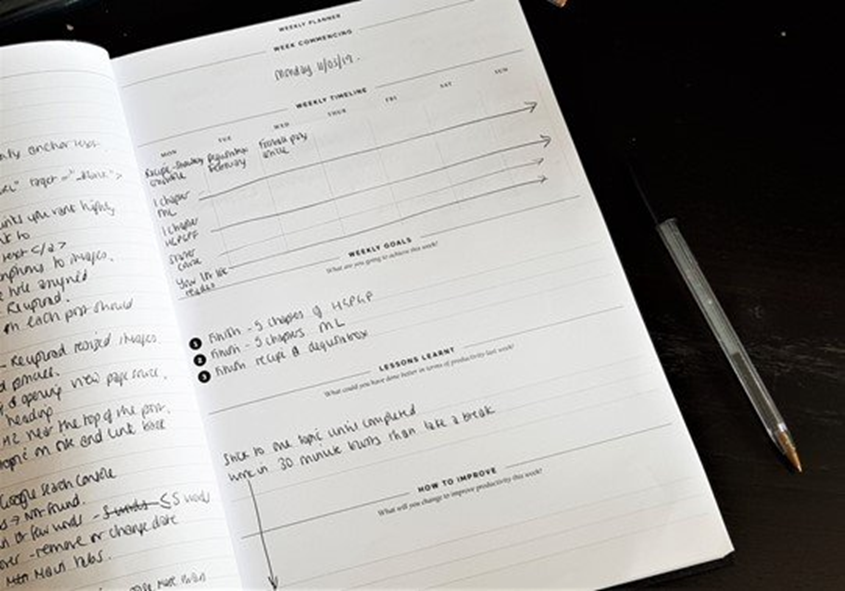
Start recording your habits and tasks so you know what you’re working on every day. You can set goals, manage your time, and plan your tasks, so you can see what you need to do every day.
At the start of each month, specify what you will work on each month. Then within each week, set goals that will contribute to that monthly goal, and each day work on the goals that will contribute to your weekly goals.
I found since using a productivity planner that I am so much more productive with my work and house duties because I know what my good and bad habits are and I know what I need to do every day, week and month.
Tip 27: Work out what your goals are and create habits to achieve those goals
What is it you would like to achieve? Are you trying to lose weight? Do you want to clean less and spend more time working on your business? Do you want to spend more time with your family? Be clear with what you want to achieve and note the point at which you want to get to, so you can create habits to achieve your goal.
For example, if you want to lose weight, set times to get to the gym or fit in your workout. If you want to spend more time with your family, then schedule a few hours in the day to purely spend time with the family – make sure you do nothing else in that time.
If you want to clean less and spend more time working on your business, then use my ‘short work-burst’ method and work on your business for 30 minutes and spend 10 minutes cleaning up a certain area of the house. You can use The Organised Mum’s Method where she talks about cleaning an area in your house for just 30 minutes a day, and this works just as well. I use a method similar to this, otherwise I would just end up cleaning all day and spending little time on work.
Use a habit tracker to track the habits you have identified. Each time you have fulfilled a habit, tick it off. Include your bad habits too like I did and cross-check them off when you have successfully not fallen into those bad habits that day.
If you’re stuck for ideas on how to be productive, here are some productive things to do when you are bored at home:
Tip 28: Improve yourself
As mentioned above, knowing your bad habits are just as important as creating good ones. Know where you need to work on and spend time improving yourself.
Tip 29: Try something new
Stepping outside your comfort zone is the only way you’ll grow. I try to do that regularly by learning a new skill or trying my hand at something new. I took a leap of faith and started publishing on Amazon and I’m so glad I did! I’ve learned a new skill and I feel like I’ve accomplished something huge.
Tip 30: Invest in your future
The best investment you can make is on yourself. So carve out some time to learn a new skill. Take some home learning courses and work towards building your portfolio, which will eventually help you to build on your income too.
Tip 31: Have fun
We’ve touched on this before, but give yourself a break now and again to wind down and forget about tasks and to-dos. Having fun is actually a very productive past-time because it clears the stress and it helps you step away from a task and have a birdseye view of the problem if you’re not thinking about it all the time. Plus, it’s healthy. Balance is key to being productive so have some downtime too. Go out with friends, go to the cinema or go shopping. Whatever it takes to get in those feel good hormones.
Tip 32: Better your health
I’ve noticed that when I eat junk, I am less productive because I feel lazy and I don’t have the energy to get up and get things done. Exercise has given my brain a natural energy boost, but so has fuelling my body with good food. Improving your health improves your productivity, so put health at the very top of your to-do list.
Tip 33: Get organised
I run a tight ship – I have to because I have four kids, triple school runs and a business from which I work at home. So household tasks, work day tasks and work time itself all have their own pockets in which they can’t overlap or be allowed to fall by the wayside. Project management and organisation is the only way I survive the multitude of tasks but it also keeps me ticking. So make sure you get organised, but be prepared to wing it if certain things prop up you haven’t accounted for. It’s also important to think on your feet too.
Tip 34: Hone your talent
Do you have a particular skill that you could potentially monetise? Then work on honing that talent and becoming an authority in that field. Knowledge is power, especially if it’s your ADHD superpower and you can teach your potential customers something that will help better their own lives.
Tip 35: Visit the library
If I get writer’s block or lose my mojo because I’ve had a particularly challenging day, then I put my work down and I head to the library. While I’m there I browse the shelves until I find a particular book that reaches out to me. I sit down for a few minutes and I read for a bit. The act of sitting down and tucking into a good book makes me forget about my day and once I’ve put the book down, I’m ready to tackle my tasks again.
Tip 36: Make a playlist
On Spotify I have a number of playlists that help me get into the mood for whatever I’m doing. I have a playlist all about bettering yourself and a playlist for winning in business. I also have a playlist of workout music to get me into the groove for working out. Playlists are effective at picking you up when you need an extra boost to get started.
Tip 37: Learn from mistakes
Mistakes aren’t failures, they’re perfect opportunities to learn and do better at succeeding. But if you repeat your mistakes, you learn nothing. Always take your mistakes as experiences and learn from them so you don’t repeat. Remember, without mistakes you won’t know the path to success, so keep trying, even if you fail.
Tip 38: Create an evening routine
We have touched on this before, but one thing I do to make sure I’m prepared for the next day is to set out clothes for the kids’ school, pack any lunches and basically do anything that doesn’t impinge on the morning routine. Then I get ready for bed by washing my face, applying my skincare and finishing any tasks that can’t spill onto the next day. Only then do I go to bed knowing I’ve done what I need to do.
Tip 39: Create a morning routine too
First thing I do when I wake up is review my 5 main productive tasks of the day in priority order. My to-do list also has other home tasks like making sure to fit exercise in and other child-related activities that are important. I consult my to-do list every hour on the hour because it keeps me on task and I make sure I’m not deviating from what I need to do that day. Then I forget the rest for the next day. As long as I’ve completed my five tasks for the day (and even if I don’t) that’s all i’m focussing on, and nothing more.
Tip 40: Go camping
There is nothing like leaving the materialistic stuff behind and getting back to nature to make you feel you can accomplish anything. Making a fire out of wood or frying an egg on a makeshift tinfoil pan can provide you with the animalistic tools to go out and get what you want. It also helps you shift your focus on what really matters, something we often forget to do when we’re knee deep in our to-dos.
Tip 41: Watch tutorials
Learn new skills in webinars if you want productive downtime because tutorials can help you become better in the business of what you’re doing. Perhaps you want to learn to become a better chef so you watch tutorials on how to hold a knife. Or you want to write a book so you watch a step by step process on how to write and publish a book. These are all skills you’re learning so make sure your downtime is filled with lots of productive watching.
Tip 42: Start a bullet journal
A bullet journal is much like a productivity planner in that it helps you set out the goals you want to achieve in the year ahead. First you lay out your index of plans you want to achieve and then you dissect them into monthly, weekly and daily goals. Define your purpose, review your goals and keep it simple and achievable.
Tip 43: Again set some goals
If you have some free time, set some goals, this time on things you’d like to achieve as a person. It could be a bucket list of things you want to do that’s not related to work.
Tip 44: Test out new time management strategies
Sometimes what you’re doing isn’t working, so it’s important to keep testing until you hit the magic formula. Keep testing new time management strategies to see what works for you. This also includes the time in the day you’re at your most productive and whether you prefer to work in longer stints than 30 minutes a day. Whatever works for you will be different to the next person, so try to focus on what you’re doing rather than what other people are doing.
Tip 45: Create a list of travel destinations
You may wonder why creating a travel list is a productive thing to do, but it helps you set goals for where you’d like to travel and allows you to work for them. Plus it’s something fun to look forward to!
Tip 46: Start planning your days
It’s really important to know what your daily schedule looks like in advance. So plan what you’re going to do in advance so you can focus on the tasks that offer the biggest reward and leave the less urgent, less important things for later.
Tip 47: Share your knowledge
It’s always nice to pay it forward and the act of sharing your knowledge with people will make you an authority in your field, which is great for business!
Tip 48: Build a blanket fort
You may think that building a blanket fort sounds like a waste of time but it’s actually a pretty effective way to shut the outside world out and focus on you in the here and now. Either build a blanket fort on your own and use it as a form of me time or build with friends and family and use it as a bonding exercise. It is a great way to forget about the mountain of tasks you have waiting for you and just enjoy yourself.
Tip 49: Make a new dish
I’ve mentioned before that change is good for the soul and making a new dish is a great way to build confidence in your culinary skills. Make a new dish, add it to your recipe arsenal and use the accomplishment to boost your productivity at work
Tip 50: Become a better decision maker
The famous saying, ‘indecision is the number one reason for failure’ could never ring more true because it halts productivity and stops you from getting things done. Become a better decision maker and the best way to start doing this is by making a decision and sticking to it. Go with your gut and decide – your decision is final.
Tip 51: Go for a swim
Swimming is such a fantastic sport to melt your troubles away. I find that a vigorous front crawl that gets the heart pumping makes me feel alive and strong, so much so that I want to run back to my desk and bash work out. Use the swim to feel strong mentally and physically and then bring that force back to your productivity.
Tip 52: Go airplane mode
Sometimes going offline means you can focus on the tasks ahead of you because you’re not messing about on the internet or scrolling through social media. It has taken me a long time to force myself to work on my tasks for the dedicated 30 minutes without caving and clicking on a notification that comes up. So I disabled notifications and went airplane mode. Now I don’t get distractions anymore to entice me to stop working.
Tip 53: Go for a hike
Another productive sport is hiking because it’s get you out into the fresh air which boosts productivity and it gets your heart pumping which boosts your mental health. Hiking helps you forget about your insular world for a moment and enjoy nature and the bigger picture. A good hike should leave you feeling refreshed and ready to tackle your tasks when you get home.
Tip 54: Envision your ideal body
One of my biggest goals is to get back to my pre-pregnancy athletic fit weight, but I have been lazy and often resorted to junk food because I haven’t got a goal or I haven’t envisioned how I want to look. I started looking through old photos of me and now I can envision my ideal body which helps me to push through the workout when I haven’t got the mental energy to start. Envisioning your goal helps you map out the steps to success, so that’s what I always do when I’m feeling like i don’t want to exercise. It helps so much.
Tip 55: Clear out your clutter
If you’re constantly asking yourself, ‘How can I be more productive in life?’ Perhaps your mental and visual load is a bit overwhelming and you need to declutter and compartmentalise your to-dos. Start by organising your space around you or venting to someone if you have anxiety. And don’t take on other people’s worries, you have enough to deal with!
Tip 56: Clean out your junk drawer
If you have junk everywhere, then you will not be very productive at home. Cleaning junk from your space is one of the most vital tips on how to be more productive.
Tip 57: Organise the spices
Another strange one to add to the productivity to do list but the act of organising your spices helps you organise your mind and it boosts you to organise other parts of your life too. If you do’t have spices, then organise your clothes or your books. Try it and see for yourself.
Tip 58: Prep your meals for the week
One of my favourite tips to be productive is to prep your tasks in advance, and one of them is definitely meal prepping. It helps me not to waste time on figuring out what to cook every day. I now subscribe to Hellofresh which means I don’t need to waste time figuring out what to cook or go to the shops and waste time figuring out what to buy. I just pick out the recipe card and the exact ingredients and I cook!
Tip 59: Make backups of everything
I now back all my work to a cloud which means no more hard drives and no more figuring out where everything is. Backups help you access your work easier and if something goes wrong, it doesn’t matter, because you have a copy in the cloud.
Tip 60: Know your why!
The infamous Simon Sinek penned this, but knowing your why means knowing why you do what you do. What is your biggest reason for what you are doing right now? Maybe you want a forever home or you want a bigger family. Figure out what it is and work backwards. It’s easier to forge a path ahead of you than fumble in the dark and get nowhere.
Best productivity tips for working from home from parents
I asked multitasking parents what their top tips are on productive things to do moving forward:
I feel more productive if I put my phone down… I get so easily sucked into irrelevant things on social media that I lose track of what I’m doing and feel like I have to start again. That goes for both work and at home. Once I sit down and just have 5 minutes, I don’t want to get up again.
I am definitely more productive if I stop working for regular breaks. I either do some housework, walk the dog, go for a run or swim or simply play the piano or read a book for 5 minutes. I’m much more able to properly focus on what I should be doing afterwards.
I am more productive if I chunk similar activities together so I’ll set time aside specifically for social media, schedule writing for a different time etc.
I think a really great way to be productive is to have your to -do list written out and on your clear and clean desk the night before. It means you start the day with absolute clarity of purpose.
Working from home can be distracting when you have a mountain of washing or other household tasks. I often take myself off to a nice cafe with free WiFi so I’m then totally focused on work. A good coffee and slice of cake is a good reward.
I make a list the night before my day off so I don’t procrastinate/waste time in the morning deciding what to do. I feel that way I get up knowing exactly what I’ve got to get done!
Don’t go for the false economy of not buying some of the productivity tools out there. The money you save not doing so is far outweighed by the increase in time you have if you use them. Tools like Tailwind, Buffer, Missing Letter are a godsend for me. And – have a set time to check your emails. Absolutely DON’T have it open all day distracting you.
Try and set certain tasks up the night before, such as the washing machine or dishwasher! By the time you then come downstairs in the morning, some of your tasks will already be done – resulting in more time for other tasks or a 5 minute sit down.
Starting something is probably the hardest thing to do, so the only way to start is, well, to start! Use the above tips to be productive at home, grab yourself a productivity pack like I did and start recording your habits.
Plan your goals and write out your monthly, weekly, and daily goals. Set yourself a target of 30 days to complete your habit and focus on tracking that habit every single day. After a few weeks, you will form your habit naturally as you have focussed on fulfilling that habit. I always feel amazing when I’ve had a particularly productive day.
You just need to find the motivation to start and what better time than to start implementing the ways to be productive now!
FAQs on how to be more productive with ADHD
How to be productive at home with ADHD?
Staying productive with ADHD at home requires creating routines, breaking down big tasks into small goals, and using productivity planners to stay on track.
How can ADHD people be more productive?
By using techniques like the Pomodoro method, prioritising important tasks, and limiting distractions, you can improve your productivity.
Can ADHD contribute to increased productivity and creativity in individuals who do not take medication for the condition?
Yes, many people with ADHD find they have bursts of creativity and productivity, especially during periods of hyperfocus. Medication isn’t always necessary for everyone.
How do I create a routine that sticks for someone with ADHD?
Start by setting small, achievable goals and using tools like task lists, timers, and accountability partners to build habits over time.
What strategies can a person with ADHD use to stay organised and remember tasks in their daily life?
Using visual cues like sticky notes, brain dumps, and productivity apps like Trello or Todoist can help you stay organised and on top of tasks.
How can people with ADHD use digital tools to create a more productive daily routine?
Apps like Trello and Notion offer visual task management, while timers like the Pomodoro technique help break the day into manageable chunks, making it easier to stay focused.
Are adults with ADHD more intelligent or creative?
Some research suggests that people with ADHD can be more creative and thrive in environments that reward innovative thinking. Hyperfocus can lead to impressive productivity in certain areas.
What are some ADHD productivity hacks for staying on task?
Using the Pomodoro method, limiting distractions, and working during peak productivity hours are all excellent ADHD productivity hacks.
*Collaborative feature post*
Parenthood and fire safety alarm features for businesses: A comprehensive guide
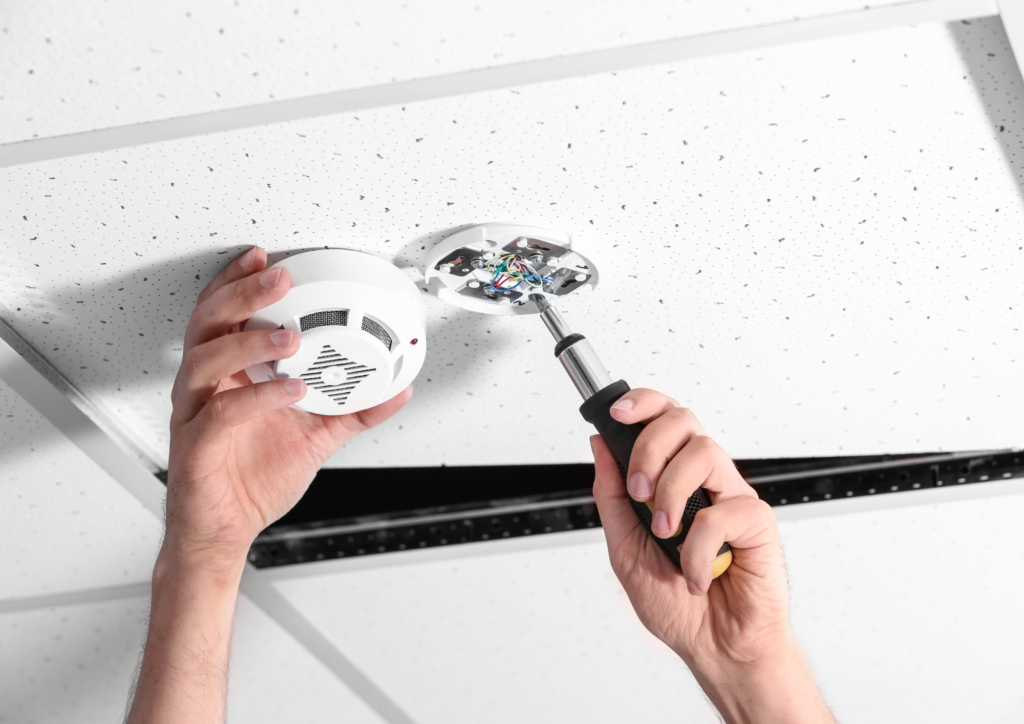
Balancing the responsibilities of parenthood with professional obligations is a challenge many of us face daily. Amid these demands, we need to make sure safety at home and in the workplace becomes a top priority. Safeguarding your child is a constant concern, and this vigilance naturally extends to the business environment. Fire safety alarms play a critical role in protecting homes and businesses from potential fire hazards, so this article explores the importance of fire safety alarms for parents, the essential features for businesses, and how integrating these alarms can create a safer environment for everyone.
The importance of fire safety alarms for parents
Ensuring the safety and wellbeing of children
Our primary concern is the safety and wellbeing of our children and this concern is heightened when considering the risks associated with fire hazards. So, fire safety alarms are essential tools in providing early warnings of potential fires, allowing for timely evacuation and minimising the risk of injury or death.
Peace of mind
Having a reliable fire safety system in place provides you peace of mind at home and work, allowing you to focus on daily tasks, confident that you have taken necessary precautions to protect your family.
Early detection
Modern fire safety alarms are designed to detect smoke and heat at the earliest stages of a fire. Early detection is crucial for allowing sufficient time to evacuate, especially in homes with children who may need extra assistance.
Life-saving alerts
Alarms equipped with loud sirens and visual alerts ensure everyone in the household or business is immediately aware of the danger. For you, this means a greater chance of safely evacuating your child in the event of a fire.
Essential fire safety alarm features for businesses
For businesses, fire safety is not just a regulatory requirement but a crucial aspect of protecting employees, customers, and assets. Advanced fire safety alarm systems come with various features designed to enhance safety and ensure a rapid response in case of emergencies.
Smoke and heat detection
Smoke Detectors: These are the most common type of fire alarm. They detect the presence of smoke, often the first sign of a fire. Advanced smoke detectors can differentiate between smoke from a fire and other sources, reducing false alarms.
Heat Detectors: These sensors detect rapid temperature increases. They are particularly useful in environments like kitchens, where smoke detectors might trigger false alarms.
Carbon monoxide detection
CO Detectors: Carbon monoxide is a dangerous, odourless gas that can be a byproduct of fires. Many modern fire safety alarms include CO detectors to provide an additional layer of protection.
Interconnectivity
Linked Alarms: In larger homes or buildings, interconnectivity between alarms ensures that if one alarm detects smoke or heat, all alarms will sound. This feature is crucial for ensuring everyone in the building is alerted, regardless of their location.
Visual and auditory alerts
Strobe Lights: For those who are hearing impaired, strobe lights provide a visual alert in case of a fire.
Loud Sirens: The primary function of any fire alarm is to produce a loud sound to alert everyone. Modern systems often feature multi-tone sirens to ensure they can be heard over various background noises.
Voice alerts
Voice Instructions: Some alarms now include voice alerts that provide clear instructions on what to do during a fire. This feature can be particularly beneficial for young children who might be confused or scared by a traditional siren.
Smart technology integration
Smart Alarms: Integration with smart home systems allows you to receive alerts on your phone if an alarm is triggered. This feature ensures you can respond quickly even if you are not at home.
App Connectivity: Many modern alarms come with apps that provide real-time updates and allow remote control of the system.
Battery backup
Dual Power Sources: In the event of a power outage, a battery backup ensures that the fire alarm system remains operational. This feature is critical for ensuring continuous protection.
Emergency lighting
Illuminated Escape Routes: Some fire alarms include emergency lighting to illuminate escape routes, making it easier to evacuate during a fire, especially in the dark.
Advanced fire safety alarm features for businesses
For businesses, having comprehensive fire safety systems is not just about compliance; it’s about ensuring the safety of employees and customers. Here are some advanced features that businesses should consider:
Addressable fire alarm systems
Individual Device Identification: These systems allow each device (smoke detector, heat sensor, etc.) to have a unique address. This feature helps quickly identify the exact location of a fire, enabling a faster response.
Integration with sprinkler systems
Automated Response: Fire alarms that integrate with sprinkler systems can automatically activate sprinklers when a fire is detected, helping to control or extinguish the fire before it spreads.
Regular maintenance alerts
System Health Monitoring: Advanced systems can provide alerts when maintenance is needed, ensuring that all components are functioning correctly and reducing the risk of system failure.
Zone-based alarms
Targeted Evacuation: Large businesses can benefit from zone-based alarm systems that can isolate specific areas, ensuring that only affected zones are evacuated, reducing panic and disruption.
Integration with building management systems
Centralised Control: Integration with building management systems allows for centralised monitoring and control of fire safety systems, providing a comprehensive view of building safety.
Conclusion
As parents and business owners, ensuring the safety of our families and employees is paramount. We must understand the advanced features of modern fire safety alarms so we can make informed decisions about the best systems to install in our homes and workplaces. By leveraging these features, we can create safer environments that provide peace of mind and protect our loved ones from the devastating effects of fire.
In the ever-evolving landscape of safety technology, staying informed and up-to-date with the latest advancements is crucial. Whether you are a parent looking to safeguard your home or a business owner aiming to protect your premises, investing in advanced fire safety alarm systems is a step in the right direction towards enhanced safety and security.
*Collaborative feature post*
Working from home without childcare – the impact on families
Since the pandemic, the trend of parents working from home has skyrocketed. The COVID-19 era has completely transformed the workforce outlook, with employers increasingly adopting a ‘work from home’ policy and offering ‘flexitime” to cater to working parents.
However, this gradual and welcome change hasn’t come without its challenges.
With the current cost-of-living crisis in the UK, compounded by rising childcare costs, some parents, including myself, have fallen into a precarious balancing act of working from home without childcare.
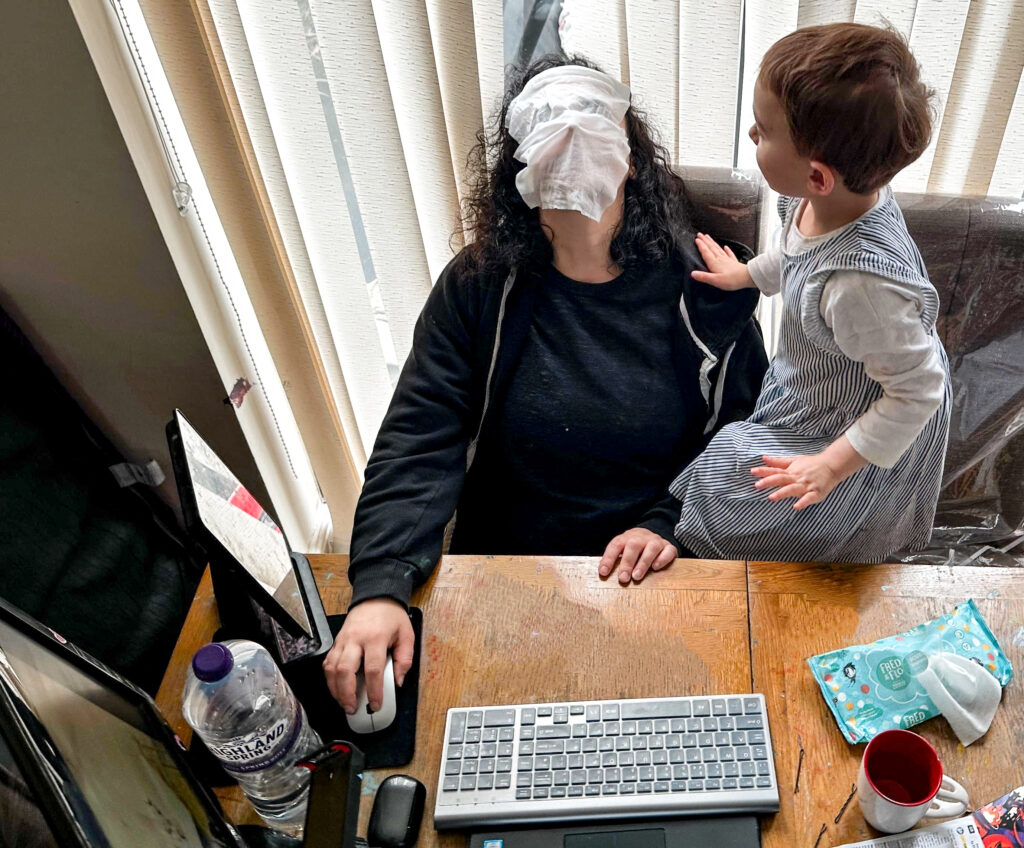
While remote work offers some semblance of flexibility, some have had to do so while keeping their children at home – often in violation of workforce policies not designed to accommodate the working parent reality and rising childcare costs. This situation causes excess stress for parents and highlights a critical gap in supporting both employers and government policies.
In this article, we discuss what it’s really like to work from home without childcare, as well as what our kids think of our balancing act, why this is happening in developed countries like the UK, and how to manage both work and looking after kids if you find yourself in this position too. As the founder of Motherhood Diaries, I started my journey working without childcare back in 2010, so I’d like to start by explaining why I’m qualified to talk about this topic and how I can help working parents stay sane during these trying times.
My journey of working from home without childcare for over a decade
My journey started when I was pregnant with my first (A1) back in 2010 and had to make the life-changing decision of leaving my long-term employment carving out a career in law. By February of that year, I left with a settlement and no Plan B (because of several serious issues at work). By April, I found out I was pregnant and struggled to find work, as I wasn’t the most desirable candidate anymore. After various interviews and a temp job in Mayfair that lasted only until July, when I was almost five months pregnant, I had no choice but to find some work-from-home jobs.
What happened then was purely by chance. During my temp job, I suffered from terrible gas and morning sickness and the person next to me wouldn’t stop talking or asking questions about why I had to go to the loo all the time. I was miserable. At one particular lunch break, I brought in my first Bounty pack and inside was a small diary from Emma’s Diary. No one in my vicinity was pregnant, so this diary was all I had to refer to about pregnancy symptoms and what to expect.
I thought, what if I could do all this myself and look back on it later when my baby was older? I always loved writing, so why not try some writing therapy to boost my very low mental health? I Googled, ‘How to start an online diary’ and found WordPress (the rest of this story can be found here).
When my temp job ended, I continued this online diary, with only my best friend, mum and hubby viewing it. But I needed a job. We couldn’t live on one salary and I was about to have a baby with no maternity leave or allowance in sight. Plus, my settlement was being depleted due to our flat renovations. I Googled work-from-home jobs and found transcriptionist work. I applied to become a sole trader, set up a mini office, and typed away, earning a decent wage. I felt I had hit the jackpot and not one part of me wanted to go back to the 9 to 5.
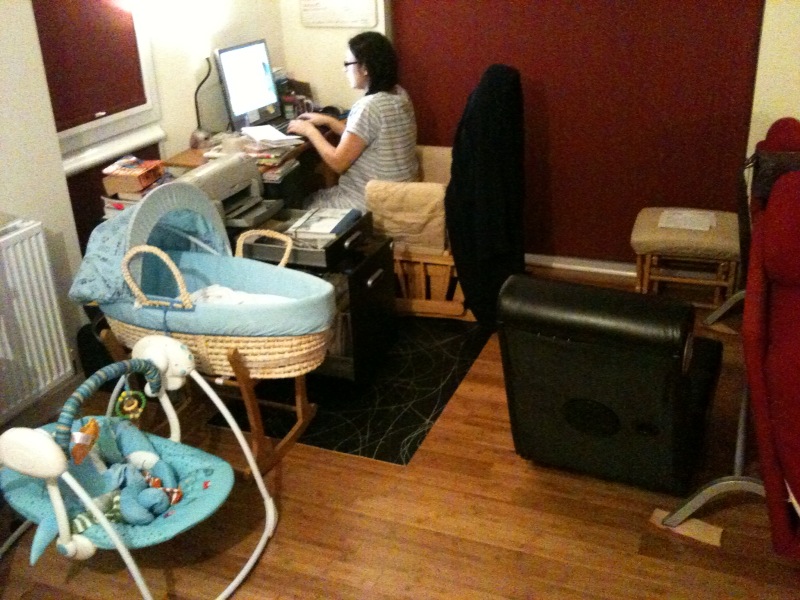
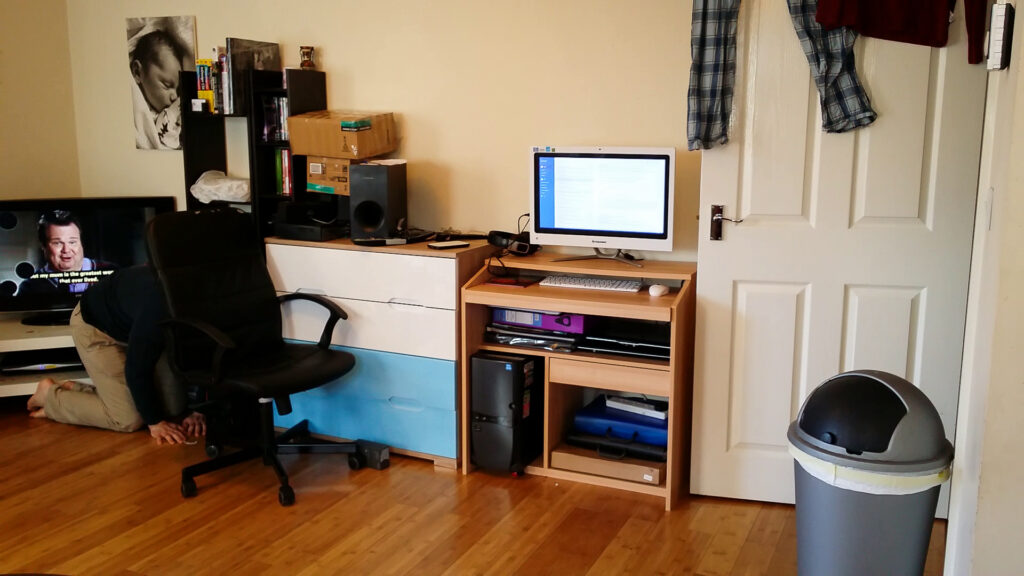
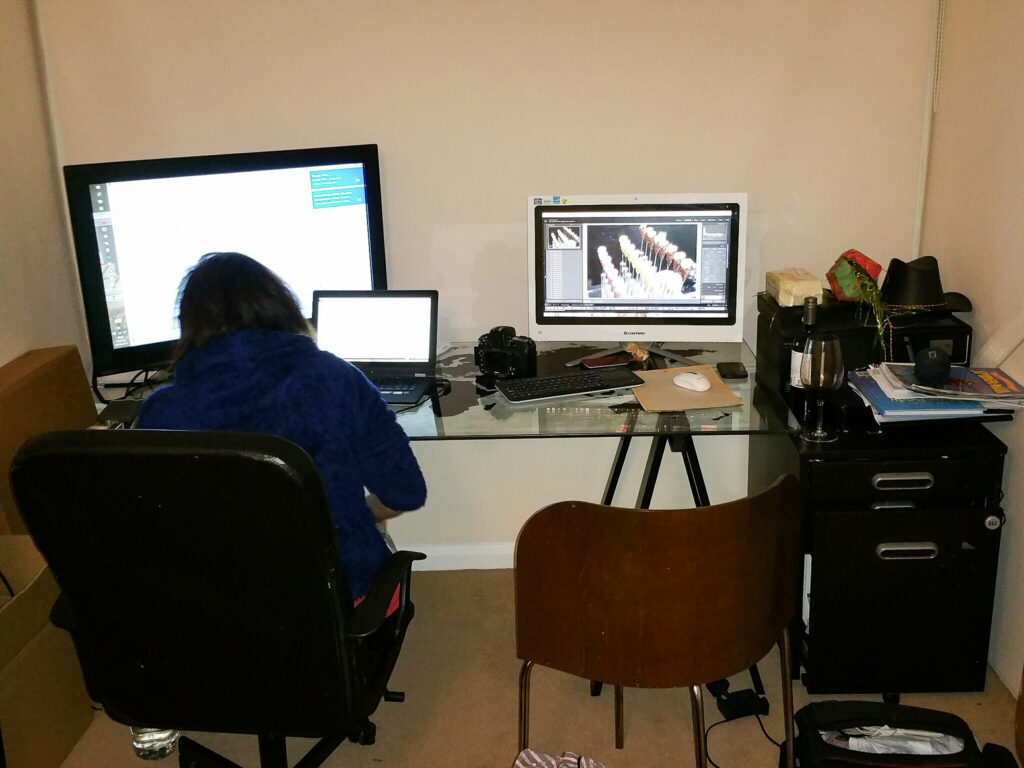
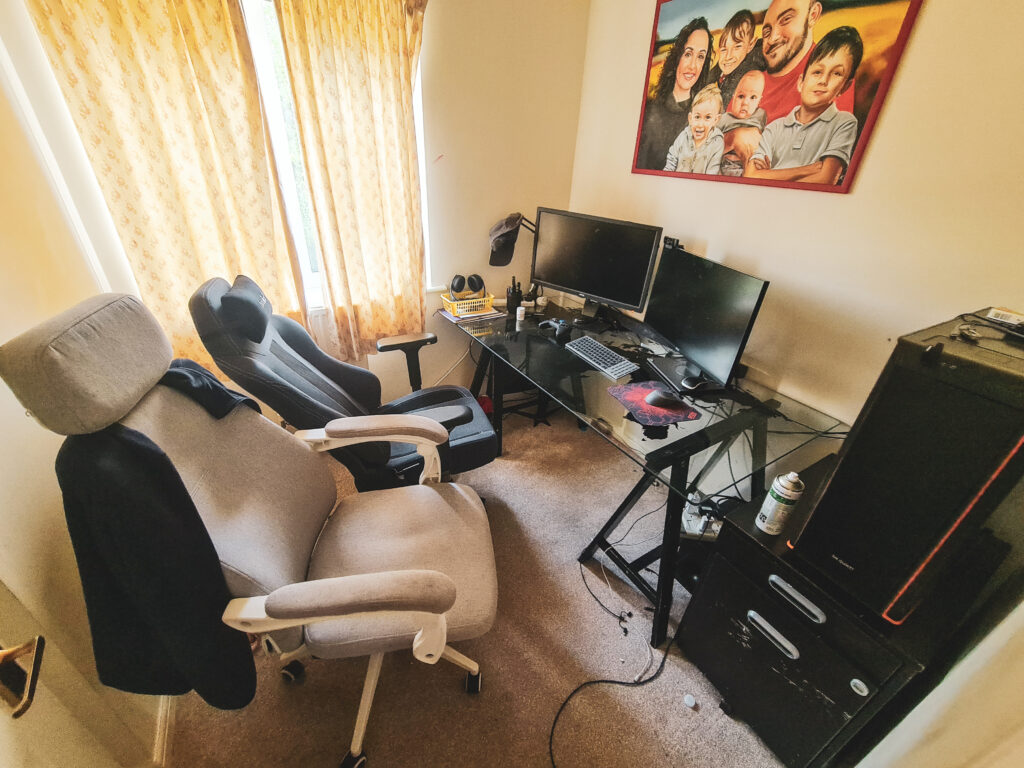
My very first mini office in our new home back in 2010
Once I had the baby, I was working during naps, even sometimes into the night. But, I couldn’t keep up with the transcription work and it involved me having to put earphones on and listen carefully to audio – something which was not only dangerous but impossible with a newborn!
Working on my blog – 2011
So I reluctantly let the transcription work go, knowing in my mind that I’d prefer to put my efforts into my baby while he was still so young. Hubby advised me to live out the rest of my maternity allowance and we’d cross the employment bridge again when he’s older. I secured a job at a small law firm for the following September, but when my surprise second arrived just 15 months later (A2), I knew my chapter in employment was over.
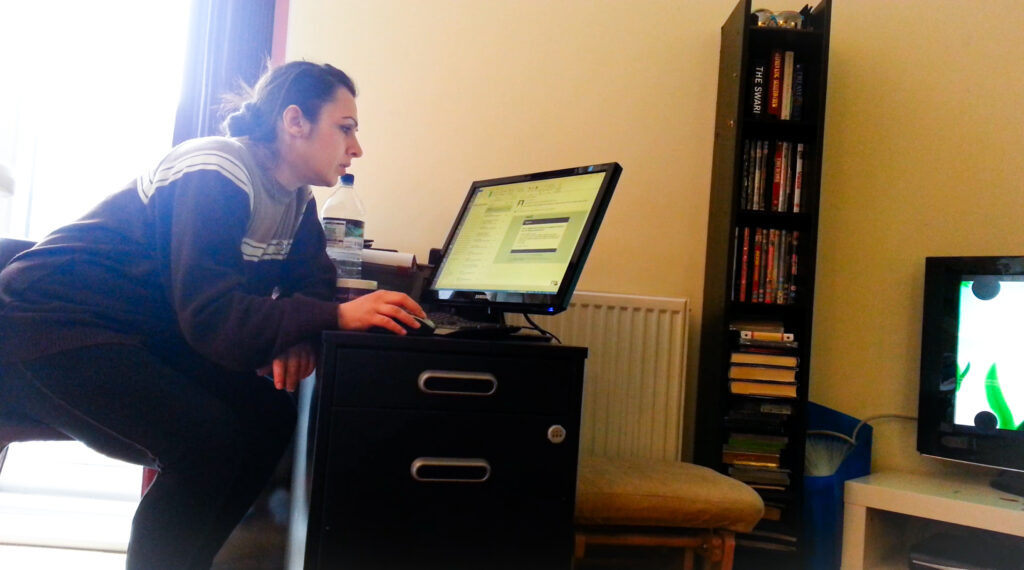
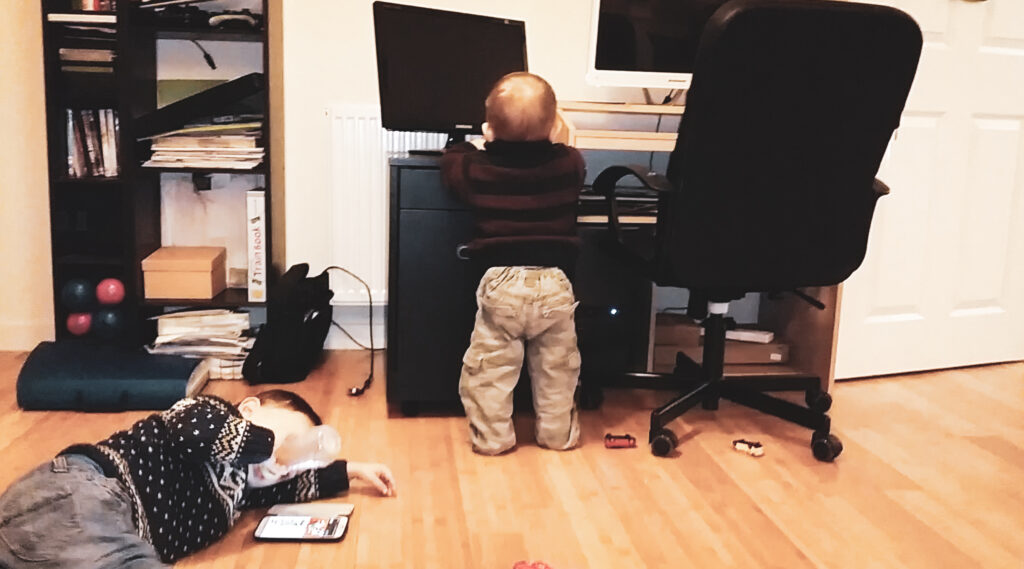
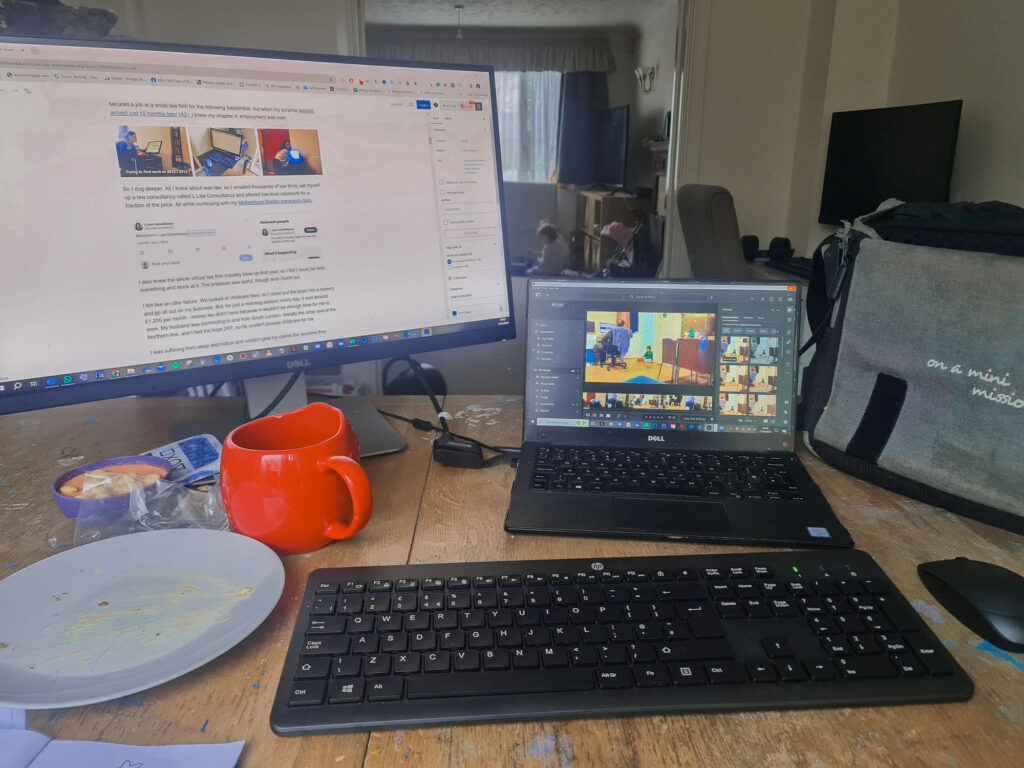
Trying to find work in 2012 / 2013I was forced to work in the corner because we hadn’t set up a proper office after rearranging the lounge
So I dug deeper. All I knew about was law, so I emailed thousands of law firms, set up a law consultancy and offered low-level casework for a fraction of the price. All while continuing with my Motherhood Diaries pregnancy blog.
The whole virtual law firm industry blew up that year, so I felt I could be onto something and stuck with it. The pressure was awful, though, and I burnt out.
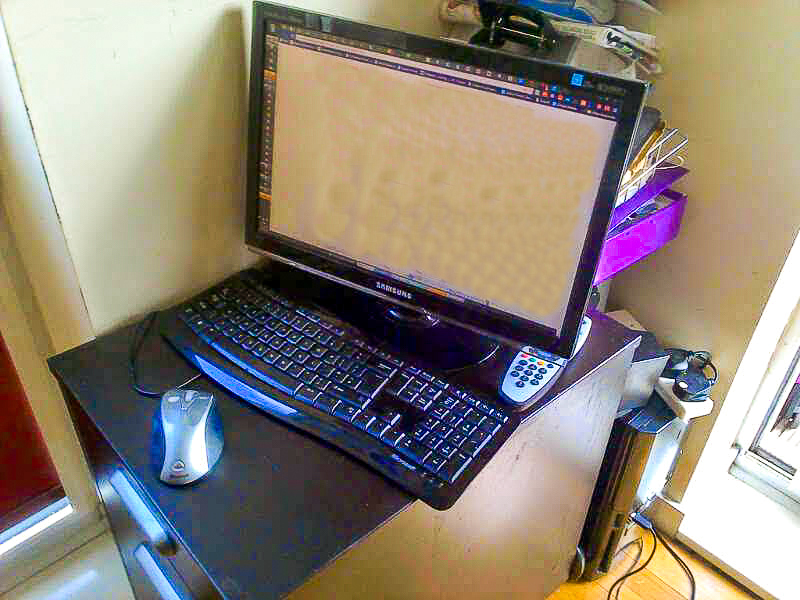
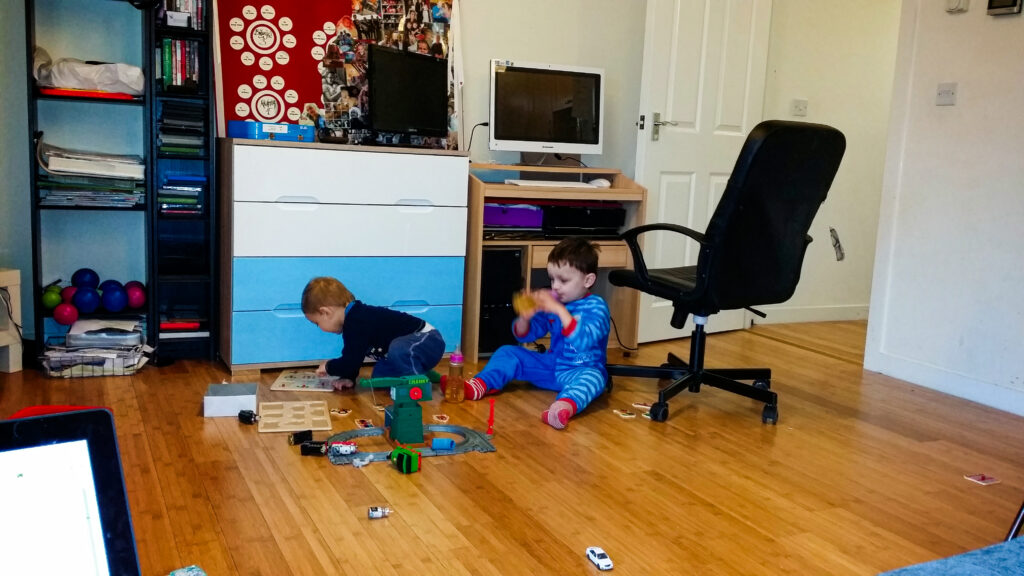
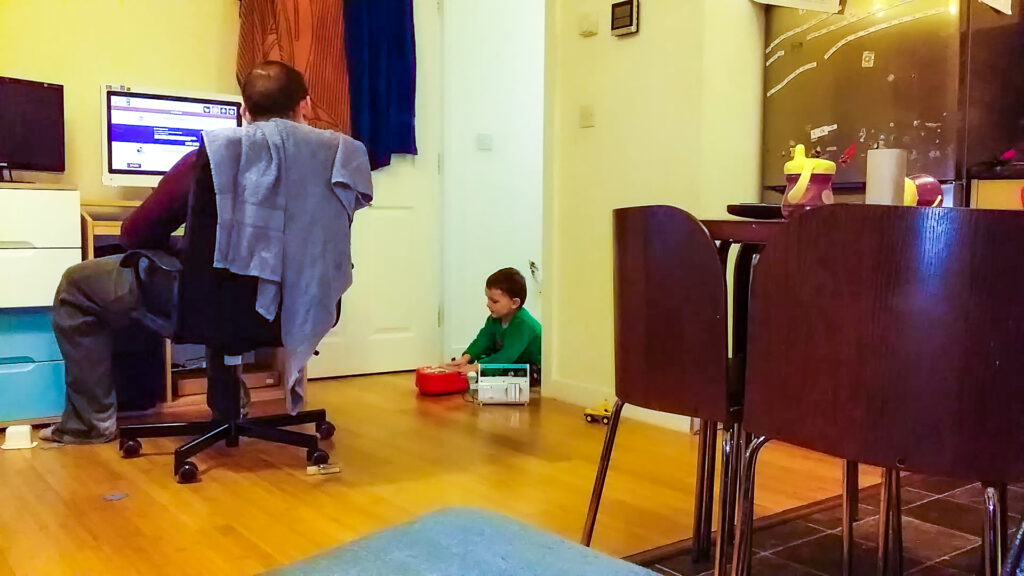
Flitting between laptop and PC so I can keep an eye on the boys – 2014Working on the stove while I cook/clean!Boys using the desk as racetracks for their cars
I felt like an utter failure. We looked at childcare fees so I could put the boys into a nursery and focus entirely on my business. However, for just a morning session every day, it was around £1,200 per month – money we didn’t have, as it wouldn’t be enough time for me to work. My husband was commuting to and from South London, literally the other end of the Northern line, and I had the boys 24/7, so he couldn’t provide childcare for me.
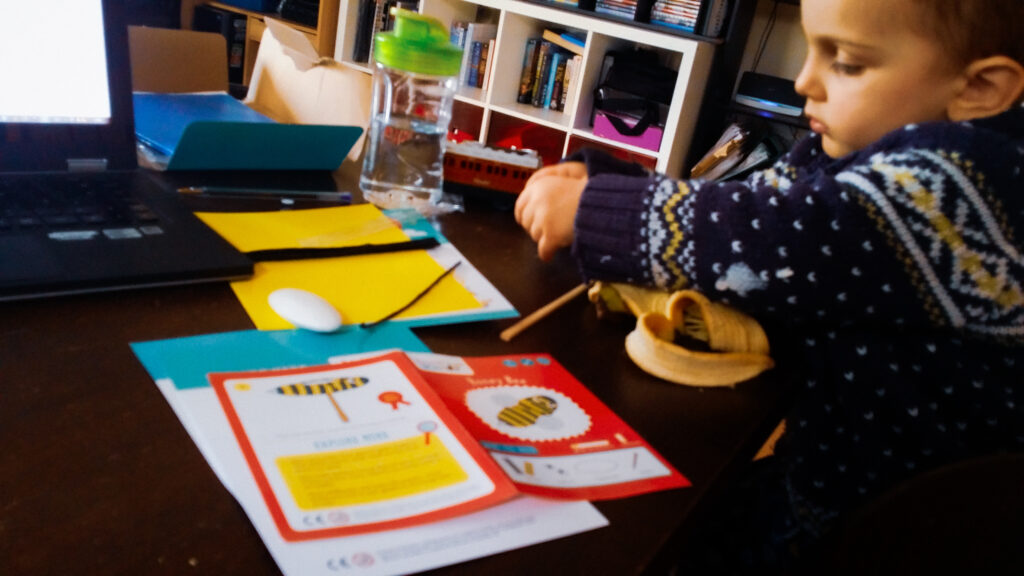
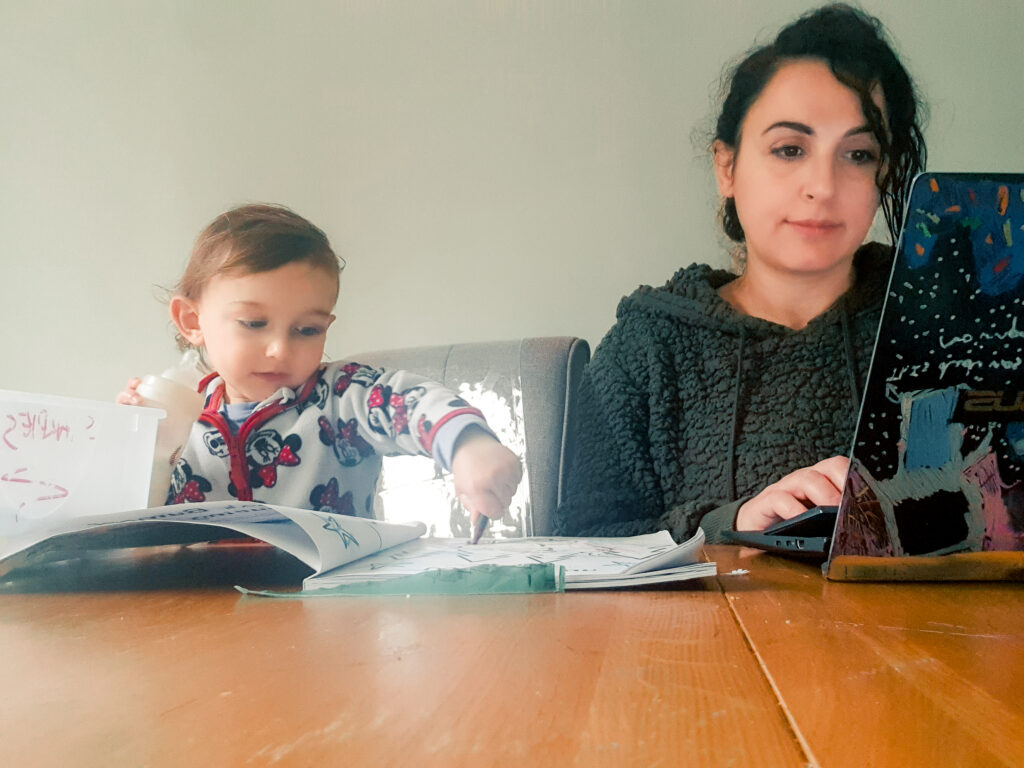
Multitasking – crafting with my toddler and working at the same time – 2015Doing the best we can with the space we have
I was suffering from sleep deprivation and couldn’t give my clients the deadlines they wanted. I felt everything was a juggling act, and I didn’t sleep for four years; the flat was a state. I was constantly extending deadlines just so I could get some sleep during the day, and after a nasty email from a client who said, ‘Either put your kids into childcare or get off the business train!’, my nerves and my confidence were shot, and I reluctantly called time on my consultancy.
But I never gave up on my pregnancy blog.
I had found a way to blog on my phone every evening when breastfeeding or putting the boys to sleep. I felt that if I kept up with my diary, I could use that to vent, as hubby was too tired to take on any of my problems. He was struggling with the daily commute and his own workload.
However, throughout this difficult time, he kept telling me to stop and just be there for the kids. He would find a way to look after the finances. But we lived in an expensive area and he was working such long hours that I wanted to help him financially. I contacted the owner of the transcriptionist company and they were eager to take me back.
We moved house and the commute got easier for hubby. We had room for a proper office and, one day, I received a random email from a Motherhood Diaries reader. They wanted to know what had happened next with the pregnancies. What did I eat? Was I going to publish any more stories? Did I want to publish their birth story? I had suffered a security hack in 2013, which meant I had lost all my content, which thankfully a friend found years later for me via archive.org. So I had little content to hand at the time, but that’s when inspiration hit me.
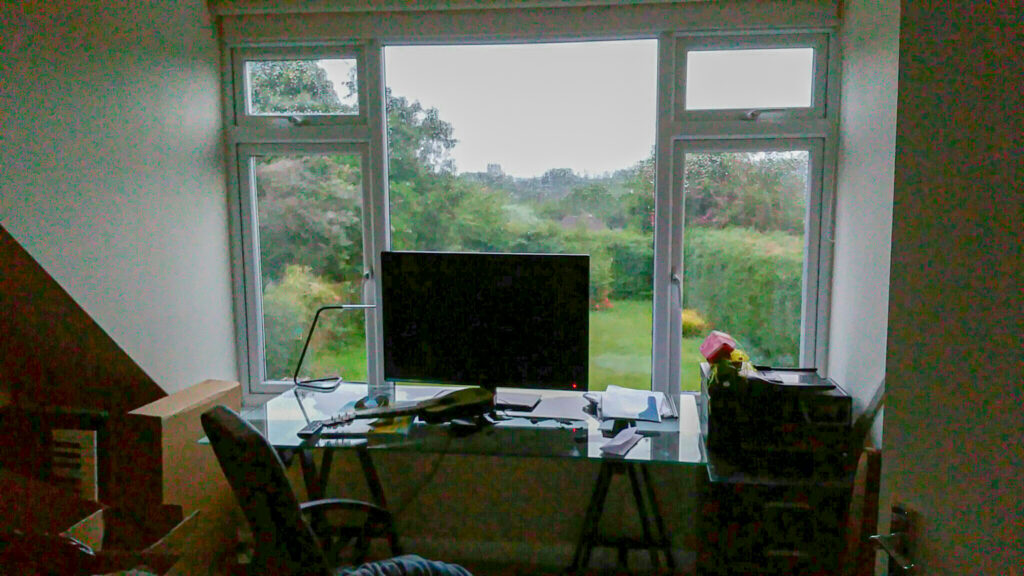
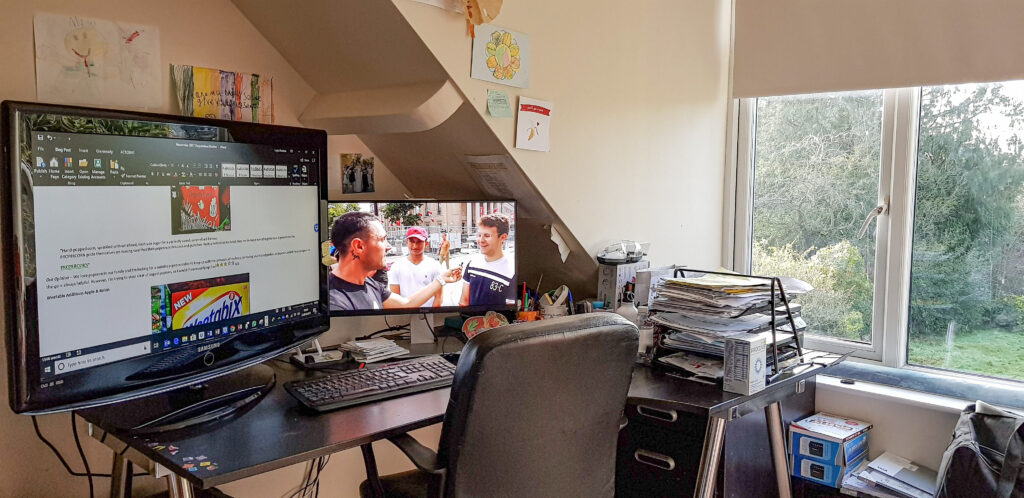
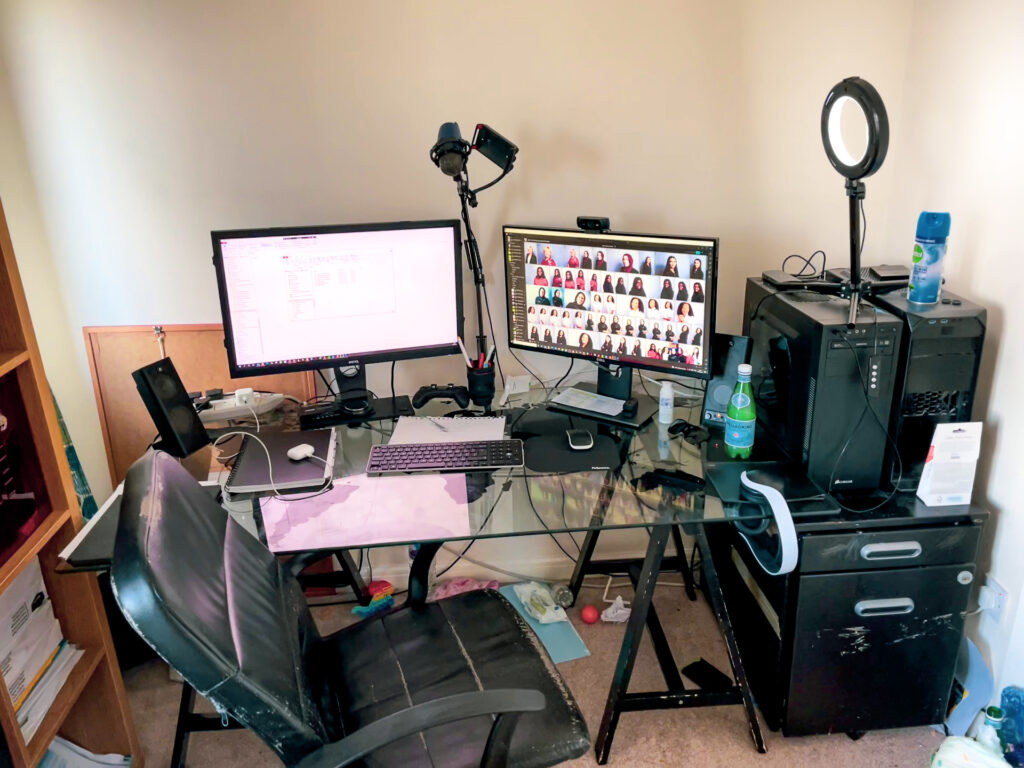
Experimenting with the office area in our new place – 2015Settled on an office with a view
I’d turn Motherhood Diaries into a business! It was my passion and people were actually reading it.
So I started the long hard slog of working for free to rebuild content with no childcare, all while working a few hours a day on the transcription job. But, this time, I had found a way to work with the boys. I reviewed products while the boys were using them, which allowed me to incorporate my kids into my business. We went to many family events, and I wrote about them, and slowly but surely, brands contacted me to pay me to write about them. But I still found opportune places in the house to work, even though we now had an office!
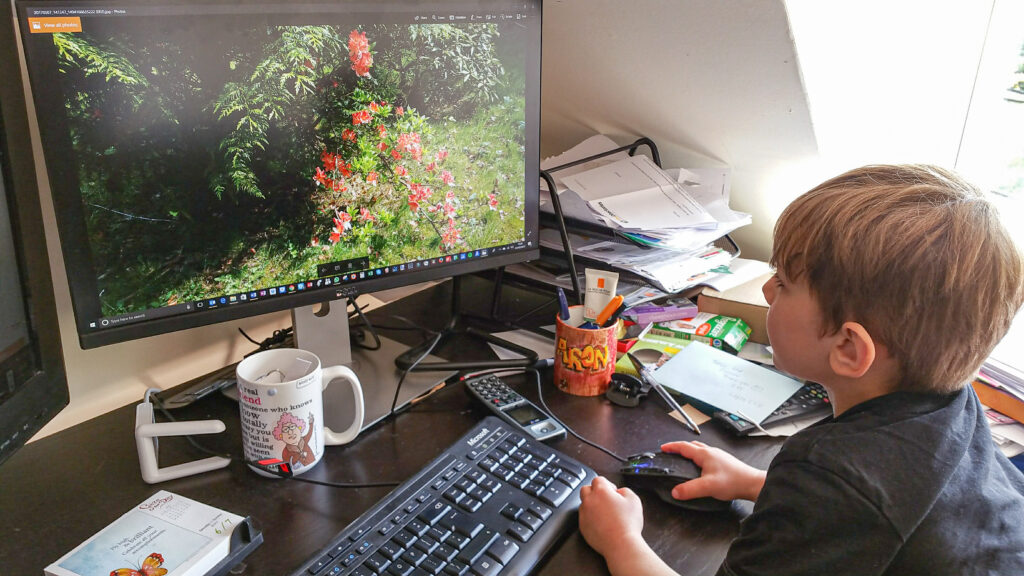
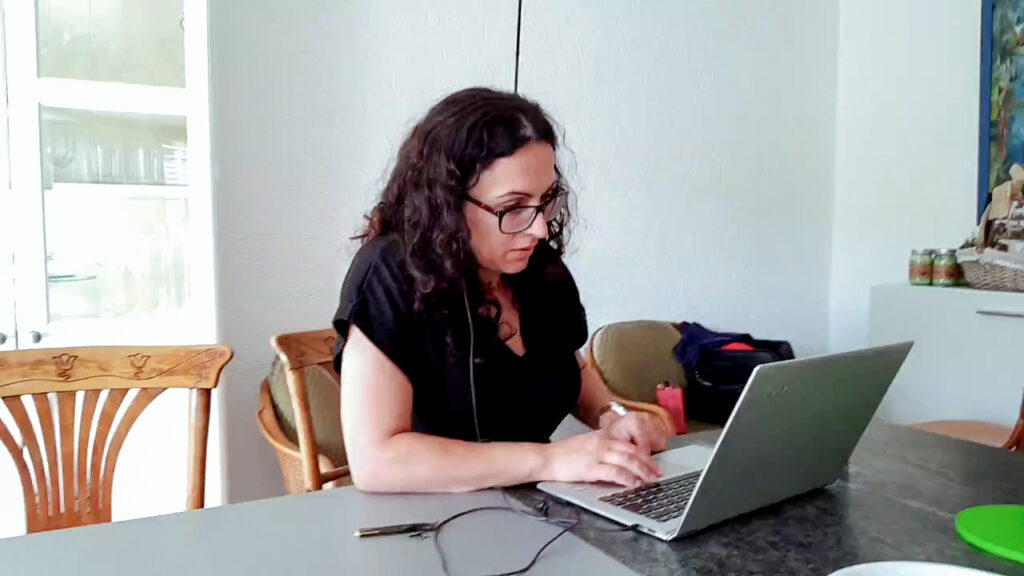
Working at the end of the bed – 2016Working in my new favourite place – the kitchen!To date, my favourite office ever! 2017Still multitasking with a curious childMy beautiful office with a view! 2018Sick child, so back to multitasking again!
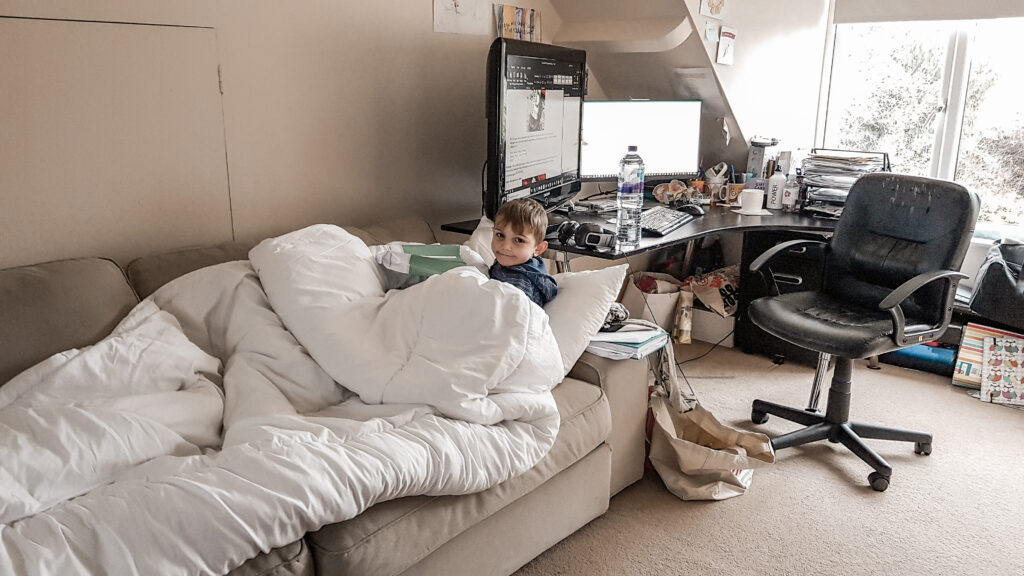
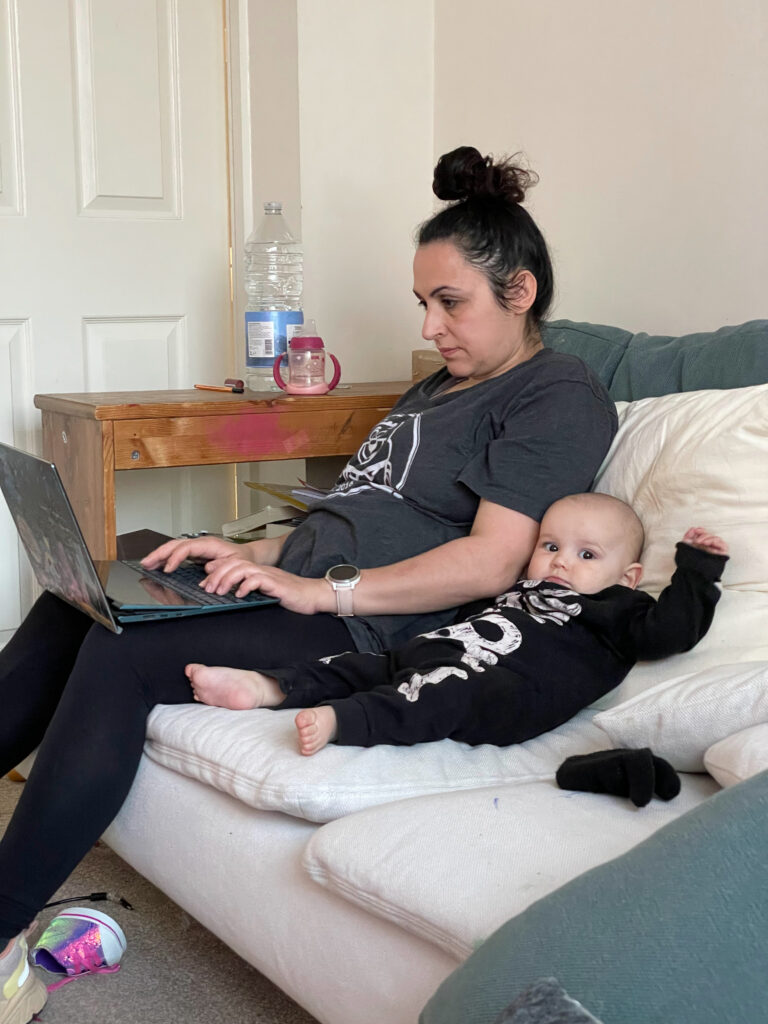
I had another baby so back to working on the couch with a laptop – 2019
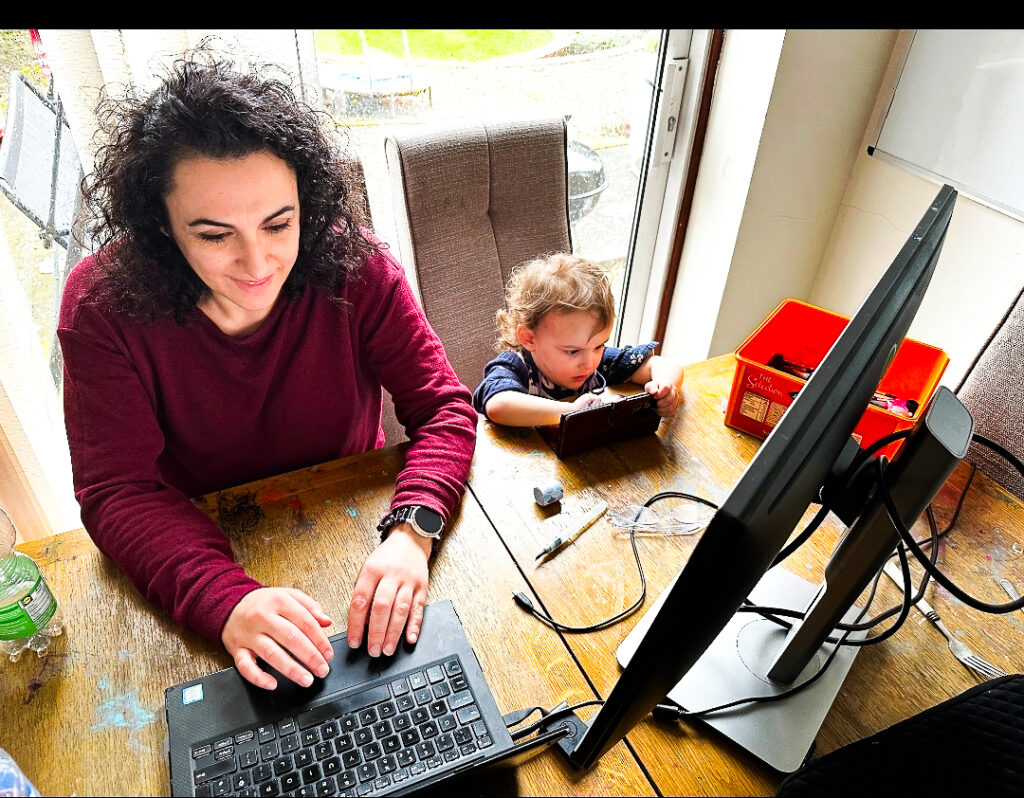
New house, new office – Really miss my old one! – 2020Back to working where I can without childcarePregnant with number four and managing three curious kids – 2021Working with a toddler who also likes working!My new normal with the birth of number fourThis one doesn’t like to leave my side! But also very chill 😀
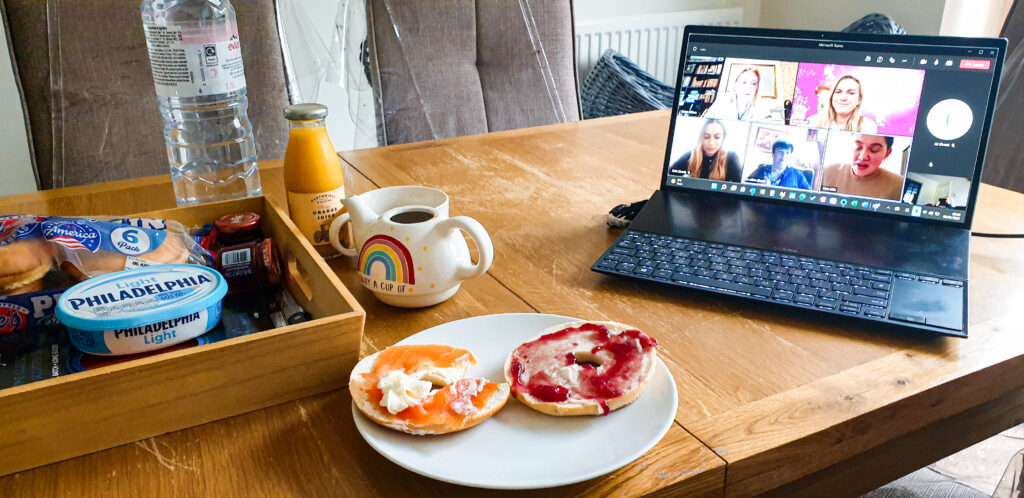
Taking calls in style on my new dining table office – 2022
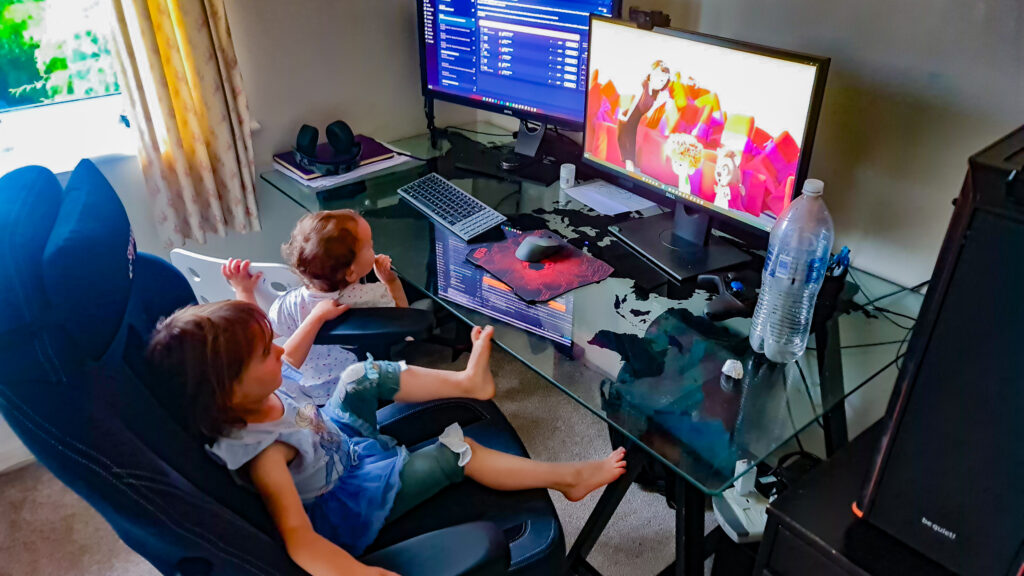
Getting harder to work with a new toddler in the house – 2023New office space yay!But constantly occupied by the kids
Fast forward to today (2024) and I have four children now and multiple websites. I have even created an online portfolio of my achievements via leylapreston.com. I always worked without childcare until the boys went to nursery/school from 2014 to 2015 and my third (A3) could get 30 hours free (2023). Now my fourth (A4) is going to school in September, which means we can open up more childcare hours.
But has it been easy? Not in the slightest!
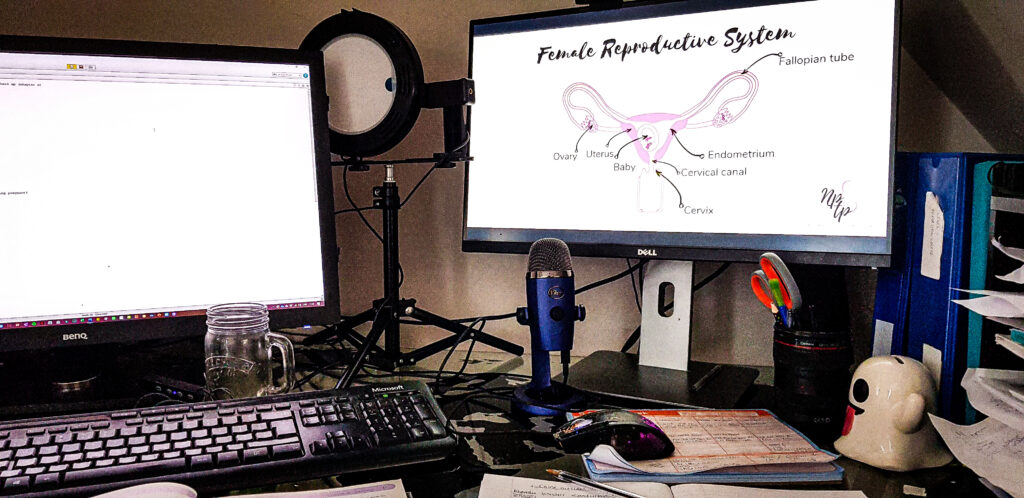
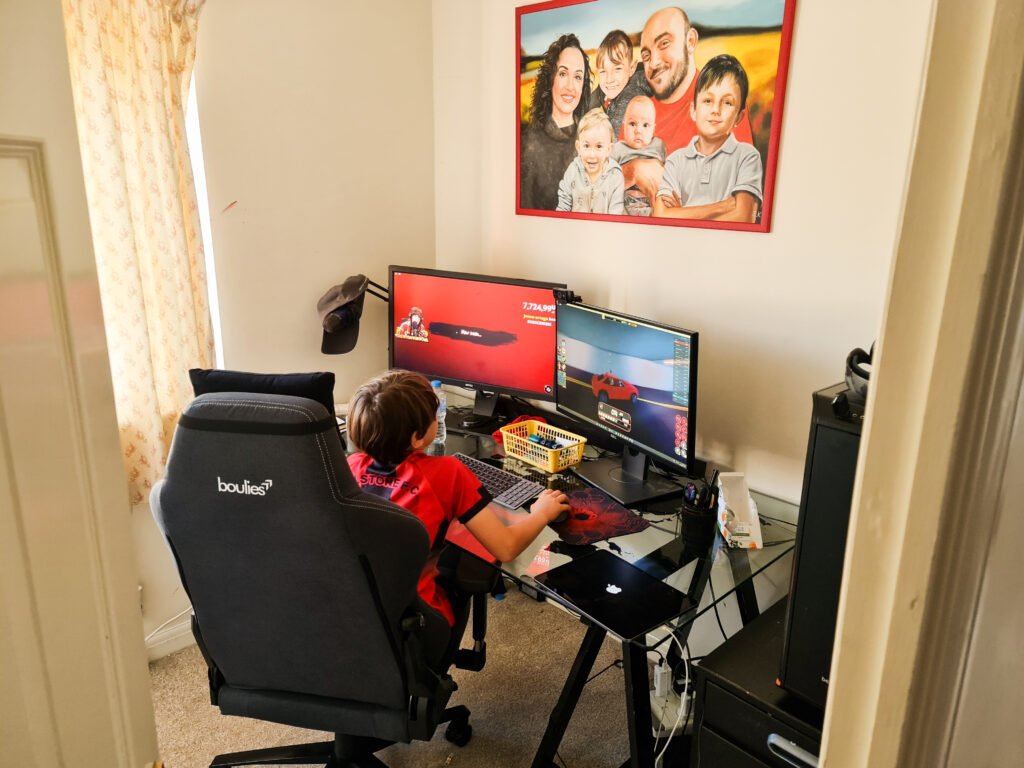
My new office space in the dining room, working on this article! Strategically placed so I can still see the kids in front of me- 2024While hubby takes over the office for his new photography jobOur new normal – I wouldn’t have it any other way 😀
But I wouldn’t have it any other way.
There are no set work and personal times, even though we try to carve out time for pure work and family fun. But when you don’t have childcare, you’re working wherever your kids are and whenever you can, mostly when you’re not at your best because you have one eye on them the whole time. You’re much less productive and you are always ‘on’. There is no such thing as ‘me’ time because you either have deadlines or, if you’re self-employed, then if you don’t work, you don’t get paid, and that pressure travels around with you everywhere.
Fourteen years on, I have learned some tricks about how to balance work and children and I will share my tips with you in a moment. However, first, I want to talk about why we are in this position in the first place and how this balancing act has impacted our children.
How has working from home affected my kids?
My kids have seen me behind a laptop/PC more days than most and the mum guilt has been powerful on the days I have deadlines. Sometimes I’ve sat behind a laptop all day while leaving my kids to their own devices (I even started a second website, all about helping kids balance screen time, because we weren’t achieving a healthy balance between caring for the children, the house, and working).
But, when I asked my kids what they thought I did, I was shocked at their responses!
“You do some online business stuff, right? Kinda simple, doesn’t seem like too much work—until I see how hard you actually work. It’s cool you’re home more; we learn a lot from you. But when you’re glued to your laptop, it’s like you vanish into another world. You do stress over work and I think you want more outdoor time. Setting work hours might help, so you’re not always on ‘work mode’ with us. Once A4 starts nursery, you’ll have better work time, and we can have more fun times with you. Just need a good schedule, and we’re all set.”
A1 – 13 years old
“You do cool stuff like helping people and helping children learn stuff that they should be learning, I think? I like having you work from home because I can still spend time with you. It doesn’t annoy me that you’re always on the laptop. I think it’s cool. I think you also do cool things on Canva, right?”
A2 – 12 years old
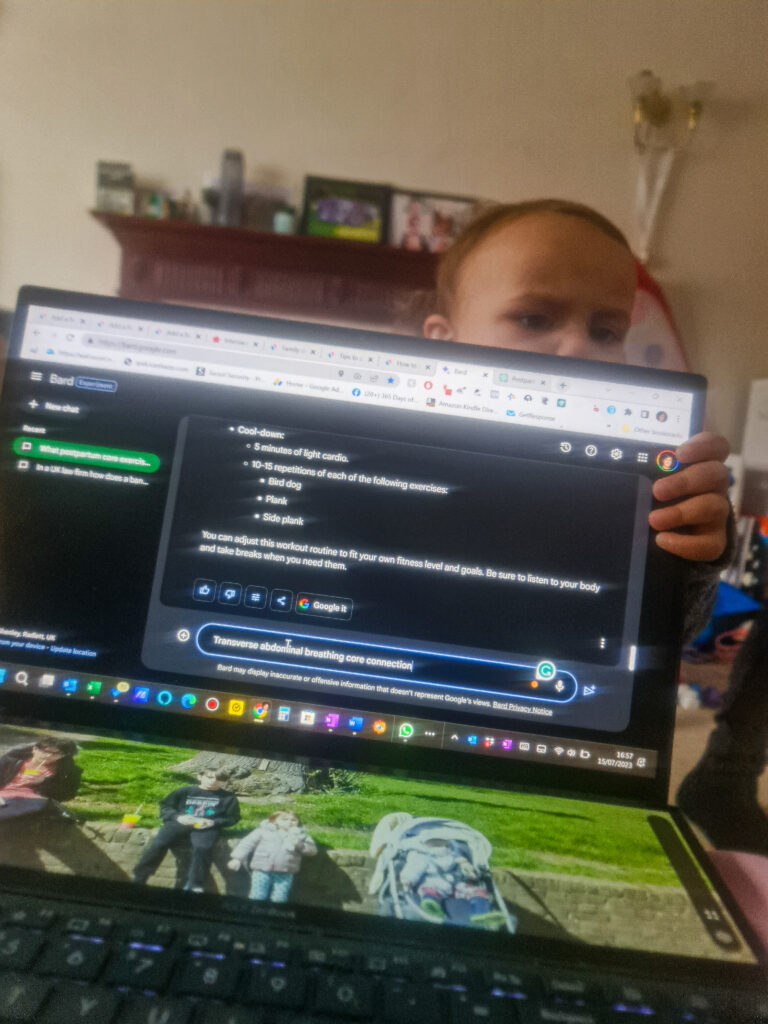
“You do exercising on the laptop.” (my eyes widen) “I don’t know, you tell me what you do.” (I tell her what I do). “Wow, that is so cool! But I don’t like it. I’m sad when you work on the laptop. I want more mummy time.” (I tell her I will focus on spending more time with her) “Yay! Ok bye!”
A3 – 4 years old
“Work! You’re working!”
A4 – 2 1/2 year old
What other kids thought their parents did
My son tells people that I “play on my computer all day” and “chat to people all around the world”.
https://www.welshmum.co.uk/
My younger kids think I play with toys, eat chocolate and use the computer a lot.
https://thestrawberryfountain.com/
I was surprised… my 8 year old says I edit photos and videos and write about things we’ve been doing.
https://travelwiththeohallorans.com/
Why are parents trying to work without childcare?
For many parents, the decision to work without childcare support isn’t made lightly. Financial constraints play a significant role, with parents opting to forgo the substantial childcare costs to balance work and personal life on their own, and weighing the real value of their income after accounting for childcare expenses.
Then, there’s the matter of personal choice. Some parents feel a strong pull to be closely involved in their child’s daily life and development, so they can integrate work and parenting in a way that allows them to witness fleeting moments firsthand. This was my pull. When I was going through the worst of my mental and physical exhaustion, my ‘WHY’ got me through it because all I wanted to do was be with the kids, not work the long and arduous hours I had worked at my previous corporate employment.
However, even if the funds and desire align, the simple lack of quality childcare options presents a barrier. In many areas, especially those that are that are underserved or rural, finding accessible and reliable childcare is one of the toughest decisions parents can make. These reasons, combined, sketch the complex landscape that parents navigate as they tackle both work and childcare, often with little to no external support.
What must the mental health risks be like for parents working without childcare?
Navigating the challenges of working from home without childcare has highlighted feelings of burnout and isolation. Women, in particular, face heightened risks because of the disproportionate time they spend on childcare and household duties, compared to men.
However, thanks to the evolving dynamics of parental roles, particularly with the increasing uptake of paternity leave, the landscape is shifting, and it’s making a big difference for dads’ mental health too because it helps reduce the chance of feeling down after their baby is born. A study mentioned by Nature Mental Health found that fathers who take time off when their baby arrives are less likely to experience this feeling than those who do not. For more details, you can check out the study here.
This study shows that taking paternity leave is great for both dads and gender equality. Still, it’s not that simple, because taking a short paternity leave might inadvertently make things harder for mothers. Additionally, working from home can make parents already feel tired and less productive, and they may feel like they’re not doing a good enough job overall. Feeling lonely because they’re not around other adults much can make these feelings even worse, too.
Another issue with working from home is that when you select your own hours, you no longer have the 9-to-5 mentality, so you are less likely to ‘switch off’. It isn’t easy to set time boundaries when you are constantly thinking about that draft email or the deadline that needs to be met while the kids are asleep. Unlike my husband, who works very hard during the day and so switches off when he comes home at night, I feel like I am always ‘on’ when working.
However, having said all the above, I wouldn’t change working from home for the world. Working for myself means I can drop off and pick up the kids from school, and I no longer have to commute on the busy tube. I can sometimes work in my pyjamas at the kitchen table, or I have the flexibility to work at my favourite cafe once a week, or even in the garden when the kids are playing. It is for these reasons that I would never go back to working in an office, although I do miss the social office banter.
Tips on how to work from home without childcare
Fighting off the strain that comes with juggling work and home life, especially without childcare, isn’t easy. But some handy tips can help. From leaning on your tribe for support to prioritising mindfulness and self-care, here are some tips I’ve picked up in the last fourteen years of winging it without childcare and work.
Embrace the new remote work norm
Switching to remote work allows us to set our own schedules and choose where we work, which is pretty cool, but also tricky if you’ve been in an office or employed long-term. Whether you’re working for yourself or benefitting from flexitime, you need to stay on track without the usual office setting and make sure your work doesn’t consume your whole life. Creating a dedicated space at home for work and stepping away to take breaks are key. Plus, staying connected with colleagues online can benefit you. Being flexible, willing to learn, and reaching out for help are super important as we figure this all out with kids around.
Balance work and childcare at home and find your productive stride in chaos
Juggling work and looking after kids at home means fitting your work around their needs and schedules. And if you’re employed and working from home, this may not always align with your employer’s demands, especially if your employer is unaware that childcare is not in place. That means you have to be super productive with your time and work smarter, not harder and longer.
Whatever you can prepare the night before will help the next day feel a little more organised. If you have multiple kids, with some at school and nursery, do all the lunches, school bags and school clothes before and set them out ready for the morning. Batch cook meals and write a to-do list of the most critical work items you need to get done that day and keep it separate from household and family tasks. I would recommend just adding five of each or you’ll feel overwhelmed. Whatever you don’t get done, roll over for tomorrow. It’s a you problem tomorrow, not today. The key here is to not overload yourself, or you won’t be able to do anything.
I’ve always used the Eisenhower Matrix for smart prioritising my to-do list based on their urgency and importance, i.e. tasks to do immediately, tasks to schedule for later, tasks to delegate and tasks to delete. I have massively improved my productivity, just by using this method. Spend some time the night before doing this while everyone is asleep, so your days are spent working on the actual tasks. It helps to have a plan, even if the plan changes, which it inevitably will.
You will eventually find your flow and a semi-structured plan will fall into place. I find getting up an hour before the the kids, throwing a load in the wash and doing the dishwasher before the day has started helps me to get into work mode. But, find out what works for you.
Make sure to take regular breaks and try to spend at least one hour in the day not thinking about work. It doesn’t sound like a lot, but when you’re working from home, unless you’re in a job that shuts down at 5pm regardless, you’ll find yourself thinking about it long into the night.
I make a note to turn off the laptop at 9pm and be asleep by 10pm, so I get a good sleep and I switch off before bed. I also make sure I spend time with the kids that don’t involve any screens, so my eyes get a break too. It’s hard to create a clear divide between work and kids, especially if you have a baby and you have no choice but to work when they’re on your lap. So as long as you’re designating time to switch off, then that’s enough for now until they get older.
Remember, flexibility lets us be there for the important moments—like morning breakfasts, after-school activities, and even those unexpected little adventures that pop up. This means we can be more involved in our family’s day-to-day life, not just on the sidelines. Plus, when we manage to balance work and family time better, it makes us happier and more productive at work too. Being flexible means we’re not missing out on family moments for work, and we bring a happier, more focused version of ourselves to our jobs. It’s all about making work fit our life, not the other way around.
Make your workspace work for you
I cannot understate the importance of a comfortable and supportive workspace, especially when work and family life are blended under one roof.
I’ve spent the last 14 years huddled over my laptop using makeshift chairs and now I’ve developed a tiny little hump which I’m trying to correct with one of these*.
Investing in high-quality office chairs and home office chairs from Office Furniture Online is a game-changer. Not only do they provide the ergonomic support needed during long hours of work, but they also symbolise the professional aspect of a home office, distinguishing between ‘the parent work zone’ and ‘play areas’, even when children are literally running rings around you.
For a quieter, more comfortable environment all year round, consider upgrading your home with new windows and doors from Ecoline Windows. This can enhance your home’s energy efficiency and help reduce noise, so you can focus on getting work done (at least until snack time!).
‘Switch off’ and set boundaries
Like I mentioned before, it’s very easy to overlap work and family life, especially when you don’t have designated times for each. It may feel impossible to set boundaries but as you get into a natural flow, this becomes increasingly important for your sanity. I always put the phone away when I’m not working, especially if I’m out with the kids. They already see me behind a screen long enough, so when I can’t work, I unplug completely.
It takes some getting used to but when you do, it’s liberating knowing that you can’t be contacted and you’re cut off from the outside world. You’re with your kids/family/partner/friends and they get 100% of your attention. When your working life revolves around a screen, then disconnecting for precious human interaction isn’t just fun, it’s necessary for your health,
Build a support network
Building a support network is crucial so you don’t fall into the loneliness trap or become a total recluse with your kids. This network can be a mix of people you work with, friends who understand your work-life balance struggles, and family members ready to step in when you need them. Having this kind of support makes a huge difference. because it means you’re not alone in juggling tasks and responsibilities – it takes a village, right?
But creating such a safety net of trusted individuals can be challenging if you don’t have extended family around, live in a rural area, or work for yourself. But it’s definitely doable with the right approach.
Start by looking within your existing networks—think about friends, colleagues from previous jobs, or even neighbours who share similar values or lifestyles. Joining online communities and local groups focused on your interests or industry can also connect you with people who understand what you’re going through. Try social media platforms, forums, and professional networking sites to start conversations and find support too.
You can also consider attending workshops, conferences, or local meetups related to your work or hobbies. These can be excellent opportunities to meet like-minded individuals. Don’t underestimate the power of volunteering or joining a club either, which can broaden your social circle and introduce you to potential tribe members.
Remember, building a tribe is about quality, not quantity. Look for people who are supportive, understanding, and in a similar phase of life or career path. It’s more important to create meaningful connections with people who can offer mutual support, whether that’s sharing advice, providing a listening ear, or helping each other out in practical ways. Over time, these connections can grow into a strong support network that feels just like an extended family.
Arm yourself with the right tools
Equipping yourself with the right tools is essential to survive and thrive in the evolving landscape of remote work, especially when juggling work and childcare. As mentioned above, having a dedicated workspace becomes more than a luxury—it’s a necessity. As well as a comfortable chair an a decent table, you need to consider how much technology plays a pivotal role.
Reliable internet, a functional laptop or desktop, and necessary software are the basics. But don’t overlook the power of digital tools and apps designed to streamline your workflow and keep you organised—task management apps, digital calendars, and communication platforms become your allies in managing both your professional and parenting roles seamlessly.
The following are just some of the tools I use, and I won’t deviate from them (unless something better comes along):
Emails
Microsoft Outlook
Tasks / ToDo List
Microsoft ToDo
Notes/Journal
Microsoft OneNote
Website hosting
Creative Her Hosting
Design and editing
Adobe InDesign Adobe Lightroom Canva
Keyword research
Keysearch KDP Rocket
Invoicing software
Quickbooks Online
Ideas and prompts
ChatGPT
Creating a child-friendly setup can help manage your children’s presence too. This might include a small play area within your sightline, so you can work while keeping an eye on them, or setting up schedules that align your focus times with their naps or independent play.
Adopting these strategies doesn’t eliminate the challenges of working from home without childcare, but it does provide a skeleton framework to make this balancing act more manageable. The goal is to create an environment where you can be productive in your work while being present and available for your children.
Prioritise self-care and mindfulness
I learned quite late in the game that self-care is one of the most fundamental factors to surviving the constant juggling act between working and looking after children.
I now prioritise thirty minutes of exercise every day and, if the day allows, at least a thirty-minute walk every day. It’s also great for the kids as it breaks up their day being indoors and I can get them involved in my workout too. Now they’re so used to watching me exercise they leave me to it. Sometimes they even use me as an obstacle course while I’m exercising! But we get it done and then they know it’s outside time afterwards.
We are lucky to live right next to a park, so we do a loop around the park if the weather allows for it and then it’s back to work for me and back to play for them in their designated play area as mentioned above.
I also now incorporate a refreshing facial massage during my morning and evening skincare, and I always put on my makeup and get dressed. It seems like a lot but for me, it means I can switch my brain to professional mode. Also, getting some outside time in the morning, if you can, increases your productivity.
A study discovered that just 29 minutes of fresh air can boost work productivity by 45%. Additionally, 63% of employees feel significantly better after being outdoors. The research suggests that short outdoor breaks can really boost your mental wellbeing and productivity at work – so take that thirty-minute walk, if you can!
I massively believe that being outside, even for a short while, makes everything better because when it’s the holidays and I haven’t even washed my face or had fresh air, I have brain fog and feel very sluggish. So, when the sun is out, I drop everything if I can and take a walk, either with or without kids. The sun rejuvenates the mind and spirit, so try to get at least 25 minutes of vitamin D on your skin on a sunny day if you can. It’ll break up the day and you’ll feel better.
Navigate childcare solutions
When you’re working from home and juggling parenting without childcare, it’s all about making the most of the resources available to you. Here are a few tips to help you navigate childcare solutions available while working from home:
Decide your childcare budget
First, assess your finances to see how much you can dedicate to childcare. Figure out what you need and what you can afford.
Explore childcare options
With your budget in mind, you can look into various childcare solutions. Maybe it’s part-time daycare, hiring a nanny for a few hours, or joining a childcare co-op with other parents. A little bit of organised childcare can significantly boost your ability to focus on work.
Leverage government and community support
In the UK there are government initiatives like free childcare hours to help ease the burden. Starting April 2024, parents with two-year-olds qualify for 15 hours of free childcare each week. And by September 2025, this will extend to younger children, too. There’s also the option of 30 hours of free childcare for three and four-year-olds if both parents are working, but applying by the 31st March deadline is crucial. Don’t forget to explore local community resources, too; sometimes, shared childcare arrangements and playgroups can be a great help.
Align work schedule with childcare
Try to match your work hours with your childcare arrangements. It might mean tackling high-focus tasks during daycare hours or while your child is at a playgroup.
Integrate childcare into your work-from-home plan
If full-time childcare isn’t an option, try to arrange for childcare during critical work times. This way, you can give undivided attention to work when it’s most needed.
Remember, it’s about finding a method that works for you and your family. And don’t overlook the government’s support with childcare, which is part of the most extensive childcare support expansion by the UK government. Plus, from September, there will be even more support with wraparound care, making it easier for parents to work.
For UK residents, here’s an overview of the available free childcare opportunities:
Eligible working parents in England have until 31st March 2024 to apply for the following benefits:
Up to 15 hours of weekly childcare for two-year-olds, across 38 weeks annually.
Up to 30 hours of weekly childcare for three and four-year-olds, also across 38 weeks annually.
Starting from September, the 15-hour childcare support is expanding to include parents of children aged 9 to 23 months.
It’s essential to secure your childcare code by April to access these benefits.
These hours can be combined with other childcare support schemes, such as Tax-Free Childcare or Universal Credit Childcare.
The allocation can be split across two different childcare providers daily, with eligibility at various establishments including nurseries, childminders, and preschools.
Certain providers might offer the flexibility to ‘stretch’ these hours over more weeks by using fewer hours, offering greater flexibility.
Arrangements for using your childcare hours might vary, including term-time only options or specific hourly blocks. It’s advisable to verify these details with your provider.
Tax-Free Childcare or Universal Credit Childcare can also subsidise before and after-school care, known as wraparound childcare.
For information on how to apply and to receive your childcare code, visit this link.
Can you work from home and take care of kids?
The feasibility of the working from home without childcare setup largely depends on the type of job you have. Some roles, particularly those that offer flexible scheduling or project-based work, lend themselves better to juggling parental responsibilities alongside professional tasks. Technology, creative fields, and freelance work often provide the adaptability needed to work around a child’s schedule.
Many parents have adapted to this lifestyle and found innovative solutions to manage their workload while being present for their children. For example, some structure their work hours early in the morning or late at night when their children are sleeping, making use of quiet hours for focused work. Others create a dedicated workspace that allows them to be near their children during work hours, integrating play areas into their home office or setting up workstations that keep distractions at a minimum, yet allow for supervision. This is me.
A common thread among these stories is the importance of setting boundaries and maintaining a routine. Clear communication with employers and clients about availability and realistic turnaround times helps manage expectations on all fronts. Meanwhile, involving children in the scheduling process, when age-appropriate, can help them understand and respect work time.
Ultimately, successfully working from home with kids is about flexibility, creativity, and patience. It’s about finding a balance that works for your unique family situation and being willing to adjust as circumstances change. While it may not be without its trials, the opportunity to witness and participate in your children’s daily lives more fully is a rewarding experience that many parents cherish.
Final thoughts
While the idea of working from home and not paying for childcare sounds like a win-win situation, the journey is not without its challenges. But it’s also an opportunity for growth, bonding and mastering the art of multitasking.
Make time for yourself, find your tribe to support you when you are stuck and utilise childcare support where you can to help manage your dual world. Pair it with a designated workspace, a play area for the kids, and accept plans can change at any time, and you will not just survive this new normal but thrive too.
As you find your natural flow, your kids will grow up and you will get more free time to work. So make sure to embrace your time with your kids and fit work around them, not the other way around.
You’ve got this!
FAQ
Balancing work and childcare
How can a single mom of two with no job and no help to babysit her kids get a job in these times without leaving home?
I’m a single mom with no family or friends of any kind and I can’t afford a babysitter of any kind with my job. How am I supposed to work with no babysitter?
Other parents who work from home full-time and take care of the kids and home 90% of the time, how do you manage? I have a 4-month-old and I feel like I am constantly failing even though I know people do it somehow.
As a working mother of a newborn, how can I manage work at home without a nanny and family support?
How do you manage your own childcare needs whilst also working full-time?
Navigating work from home without childcare is a reality for many of us. It’s definitely a balancing act that requires flexibility and a solid plan.
Check out the article above but here are some tips that can help too:
Flexibility Is Key: Adapt your work schedule around your children’s rhythms and needs. Early mornings, nap times, and evenings might become your most productive work periods.
Create a Supportive Environment: Having a network, whether it’s through online communities, neighbours, or colleagues, can provide emotional support and practical advice. You’re not alone in this journey.
Define Your Workspace: A designated area for work helps mentally separate work from family time, making it easier to focus and then disconnect.
Leverage Available Resources: Look into any governmental or community support for childcare, even if it’s just a few hours a week. It can make a significant difference in managing your workload.
Prioritise Self-care: Incorporating even brief periods of exercise or mindfulness into your day can boost your well-being and productivity.
Work-from-home challenges
How do I make money without working? I’m a single mom of two kids. I can’t afford a babysitter or daycare. My family members don’t want to help. What should I do? My children’s father is a deadbeat.
Extremely frustrated. What are options for single parents when schools start back remotely? Not everyone has the luxury of working from home. No child care. What are we supposed to do, quit our jobs?
Are there any legitimate work from home jobs for a stay at home mom with zero child care options and no quiet place to work? I can’t buy or sell anything?
Can you work from home and look after a child?
Can you work from home without childcare?
Addressing the challenges of working from home without childcare, especially as a single parent or with limited support, requires both creative and practical strategies. Here are some insights:
Generating Income Without Traditional Work: Exploring passive income sources or flexible online jobs can be a start. Consider freelancing in skills you have, such as writing, graphic design, or digital marketing, which allow you to work around your children’s schedule. Online tutoring or teaching languages online are also options if you have expertise in a specific subject or are fluent in a language.
Single Parents with Remote Schooling Challenges: This situation is incredibly tough. One approach could be to coordinate with other parents in similar situations to create a support network where you can take turns supervising the children. Some employers may also be open to flexible working hours or part-time work to accommodate your parenting responsibilities.
Finding Work from Home Opportunities: Look for remote jobs that offer asynchronous work, meaning you can complete tasks at any time, rather than being required to be online at specific hours. Content creation, data entry, and transcription work can fit into unpredictable schedules. Utilise job boards dedicated to remote and flexible jobs, and don’t underestimate the power of networking in social media groups or platforms like LinkedIn to find opportunities.
Working from Home with a Child: Yes, it is possible, though it comes with its set of challenges. The key is to establish a routine that accommodates both work and childcare, using early mornings, nap times, and after bedtime as focused work periods. Having a dedicated workspace, even if it’s small, can help mentally separate work time from family time.
Managing Without Childcare: It’s about finding balance and being kind to yourself regarding what you can realistically achieve. Break tasks into smaller, manageable chunks, set realistic daily goals, and celebrate the small wins. Use engaging and safe activities to keep your child occupied while you work, and consider swapping playdates with other parents to get blocks of focused work time.
Remote work with infants and toddlers
I have a baby and I work from home. She is 6 months and takes all my time. What can I do?
How can I work if I don’t have daycare of a babysitter?
If I can’t afford a babysitter, can I do a work from home job?
Is it possible to work from home with an infant?
Can you work from home and take care of a toddler?
How can I watch my toddler while working from home?
Working from home with infants and toddlers presents a unique set of challenges, but with the right strategies, it’s possible to create a manageable routine. Here’s how you can approach it:
Work During Nap Times: Babies and toddlers have their sleep schedules. Try to align your work tasks with their nap times, which can provide you with uninterrupted work periods.
Create a Safe Play Area: Setting up a dedicated, child-proof play zone within your line of sight can allow your child to play safely while you work. This setup helps you keep an eye on them without needing to pause your work frequently.
Use Babywearing: For infants, babywearing can be a lifesaver. It allows you to keep your baby close and content while keeping your hands free to work, especially during calls or while managing emails.
Flexible Scheduling: If your job allows it, work during early mornings or evenings when your partner or a family member can watch over the child. Flexibility is key to managing both responsibilities.
Set Realistic Goals: With a baby or toddler at home, your productivity might not be the same as it was pre-child. Set achievable work goals and communicate with your employer or clients about your situation to manage expectations.
Interactive and Educational Activities: For toddlers, consider activities that can keep them engaged for longer periods. Educational toys, puzzles, or even a short educational video can provide you with a window to focus on work tasks.
Establish a Routine: While it might seem challenging with a young child, establishing a daily routine can help. Regular meal times, playtimes, and naps can create a structure that allows you to plan your work around their needs.
Take Breaks: Working from home with a child means you’re multitasking to a significant degree. Remember to take short breaks to spend quality time with your child. These moments can recharge both of you and make it easier to focus when you return to work tasks.
Seek Support: If possible, arrange for a family member or friend to watch your child for a few hours a week. Even a small break can significantly increase your productivity and reduce stress.
Stay Connected with Other Parents: Join online forums or local parent groups where you can share tips and support each other. Knowing you’re not alone in this situation can be incredibly reassuring.
Childcare alternatives and legal questions
Should employees without a babysitter be allowed to bring their children to work? Why or why not?
Can I collect unemployment if I have no childcare?
Can an employer fire you for not having child care?
I need to work but can’t afford childcare. What are my options?
Navigating childcare while working poses tricky questions, especially when traditional options aren’t accessible. Here are some considerations for common concerns:
Bringing Children to Work: Letting employees bring kids to work can work out well in some workplaces, especially those that are laid-back and open to mixing work with a bit of family life. But in places where the work is very structured or could be dangerous, having kids around might not work. Companies have to think carefully about what’s best for the business and for their teams, so it may not always be possible to be so flexible.
Collecting Unemployment Due to Lack of Childcare: To get unemployment benefits, you usually have to be ready to take a job and be looking for one. If you can’t work because you don’t have someone to watch your kids, you might not be able to get these benefits. But, there have been some changes, especially with the pandemic, that have made more people eligible. It’s a good idea to check the rules in your area to see if they offer any help with childcare issues.
Employer Termination Over Childcare Issues: Job laws differ depending on where you are, but usually, bosses expect you to do your job. If you’re struggling because you don’t have childcare, it’s important to talk to your boss to figure something out. Some places have laws that help workers with family issues, but not everywhere. Make sure you understand what your rights are and what your company’s rules say.
Alternatives When You Can’t Afford Childcare: Looking into work setups that can bend a bit, like changing your hours or working from home, might be a good first move. Also, check if there are any government aids, community help, or family support that could make childcare a bit easier on the wallet. Sometimes, teaming up with other parents to share the kid-watching can help everyone. And if you can find a job that fits when you’ve got childcare covered—like when the kids are at school or a gig that lets you work from home—that could be a big help, too.
Productivity and workspace management
What can a working from home mother do to keep her kids occupied and not disturb her?
If one parent works from home, why do they have to leave their children at daycare?
Should employees be allowed to work from home to look after their children?
Can work-at-home parents manage their baby without a babysitter or nanny?
How can you work from home without kids?
Is remote work not a substitute for childcare?
Navigating productivity and workspace management while working from home, especially for parents, involves finding a balance between professional obligations and childcare needs. Here’s how to address these questions:
Keeping Kids Occupied: Utilise a mix of scheduled activities, educational apps, and toys to keep children engaged. Consider setting up a daily routine that mirrors your work schedule, with planned breaks to spend time together.
Daycare Decision: Even if one parent works from home, utilising daycare can be necessary to maintain productivity, meet work obligations, and ensure children receive social interaction and developmental activities.
Work-from-Home and Childcare: Establish boundaries and a routine to manage both effectively. Companies offering remote work should encourage a balance, understanding that flexibility doesn’t equate to constant availability.
Managing Without a Babysitter: It’s challenging but possible with adjustments. Structuring your workday around your child’s sleep schedule and setting up a safe, engaging space near your workspace can help. Open communication with your employer about your situation is also crucial.
Working from Home Without Kids: For those without children, creating a dedicated workspace, maintaining regular work hours, and setting boundaries for work-life balance are key strategies for productivity.
Remote Work as Childcare Substitute: While remote work offers flexibility, it isn’t a direct substitute for childcare. It can reduce childcare hours but maintaining a focused, productive work environment often requires separate childcare arrangements, especially for younger children who need constant supervision.
Navigating no support systems
If both parents worked full-time jobs and had no family around them, if they lived far away how would a mother handle taking care of her children?
How do I raise a kid without anyone’s support while working in an IT company work from home?
How can a mom of a 1-year-old go to work without any help from in-laws, parents, and no daycare?
Navigating work and childcare without a support system is an immense challenge, but it’s not insurmountable. Here are strategies for parents in these situations:
Flexible Work Arrangements: Seek flexible working arrangements with your employer, such as adjusted hours, compressed workweeks, or part-time work. Being open about your situation can lead to more understanding and accommodation.
Utilise Online Communities: Online communities can offer both support and practical advice. They can also be a source for networking with other parents in similar situations, potentially leading to creative childcare solutions, like shared babysitting among parents.
Explore All Childcare Options: Research all available childcare options within your budget, including less traditional ones like nanny shares, parent co-ops, or even part-time daycare that can provide some relief without the full cost of full-time care.
Create a Routine: Establish a structured daily routine that includes dedicated work blocks, playtime, and rest. Consistency can help your child adjust and provide you with predictable work periods.
Safe, Independent Play: Invest in educational toys and activities that encourage safe, independent play. Setting up a child-friendly workspace within your view allows you to supervise while working.
Government and Community Resources: Look into government assistance programs that may offer financial aid for childcare or access to affordable childcare options. Community centres and non-profits may also have resources or suggestions for balancing work and parenting.
Prioritise and Plan: Prioritise your tasks, both work-related and personal. Use planning tools like calendars and to-do lists to manage your schedule, ensuring you allocate time for essential activities and deadlines.
Self-Care: It’s easy to overlook your well-being in the hustle of managing everything. Remember, taking care of yourself is vital for sustaining your ability to care for your children and perform at work. Even short breaks, exercise, or a moment of quiet can rejuvenate your energy.
Seek Virtual Assistance: For tasks like meal planning, grocery shopping, or even some aspects of your job, consider if there are ways to automate or delegate virtually to save time and reduce stress.
*This post is sponsored by Office Furniture Online