
PhotoBox Canvas Product Review
Personalising my home with wall décor is one of my favourite pastimes, having recently gotten into wall decals and bunting to decorate the walls in our flat. But, an all-time favourite are canvas prints and being able to showcase my husband’s unique photography talent at home is an added bonus. So, when PhotoBox generously gifted Motherhood Diaries one of their great quality canvas prints to enjoy in the comfort of our home, I felt compelled to provide a review on PhotoBox and our finished canvas.
PhotoBox’s Website and Social Networking Sites
Website – http://www.photobox.co.uk/
Blog – http://blog.photobox.co.uk/
Facebook – https://www.facebook.com/PhotoBoxPBX
Twitter – https://twitter.com/photobox
Google+ – https://plus.google.com/+photoboxcouk/posts
What is PhotoBox all about?
PhotoBox is Europe’s leading online digital photo service with over 30 million members.
PhotoBox are market leaders, driven by their passion for photography and artistic keepsakes. They currently offer cards, wall art, mugs, and t-shirts, which are just a few of the options available from their service, and host an extensive online community that sparks much of their innovation and drive to engage with customers and their unique art.
Products for Review:
Premium Canvas 101.6cm x 76.2cm – £84.99
Additional format, ‘Premium Thickness’ is usually £25.00.
3M Command Strips (Medium) – £3.49
Ordered from http://www.photobox.co.uk
Reviewers:
Leyla Preston of motherhooddiaries.com
Tomas Preston (hubby and photographer) – Tomas Preston Photography
Review:
It took a long time to figure out which photo to print onto our large canvas and we finally whittled it down to two very different styles of art, both photographed by hubby. We finally went with our gut and decided to go with a very retro style photo of a busker playing the saxophone in London, but with the colours touched up by hubby to make the picture red and black. As we have dark red blinds in our lounge, we thought it would be the perfect option to blend in with the red tones that surrounded the room.
Picking the picture and ordering the canvas on PhotoBox’s website:
Choosing the image was the hard part, the easy part was actually uploading the picture onto PhotoBox’s website and choosing the size and feel of the canvas we wanted.
- Head over to PhotoBox’s website
- Click on ‘Canvas & Décor’ in the main navigation bar, at the top of the website’s homepage. You can also hover on the link and a dropdown menu will appear, showcasing all the different types of wall décor PhotoBox offers. I selected ‘Premium Canvas’.
- You will be asked to choose the size of the canvas you want by clicking on ‘View Sizes’.
- Here, you will then be shown all the different sizes available, plus the format you wish to have the canvas. I opted for ‘100cm x 76cm (39″ x 30″), the largest canvas available, and ‘Premium Thickness’. The largest canvas size you can have costs £84.99 and Premium Thickness (4.7cm) costs an extra £25.00. You are, helpfully, provided with the provisional cost of your option. Mine came to £109.99.
- Click on Continue.
- You will then be given the option to drag a photo from your files to a designated box on the website, or upload a file. Your photo will be uploaded to a new album or an existing album in your PhotoBox account. You can change the orientation of the canvas from portrait to landscape, and vice versa, and whether you would like the photo to wrap around the edges of the canvas (or not wrap the photo and have a white border.)
- Once you have picked your picture, size and format (you can change the size of the canvas at this stage, if you need to), you head over to the top right-hand corner of the page and, either click on ‘Save’, to save your settings, or ‘Order’ to order the canvas to be printed. If your chosen image is of low quality, PhotoBox will warn you to check your image and confirm that the image you’ve chosen is your desired photo.
- You’ll be then taken to your basket to check over your order and proceed to checkout where you pay for the canvas to be printed.
- You will receive a notification email of your order and a further email to let you know that the canvas has been dispatched.
We received our canvas exactly a week later and got to work straight away putting up our work of art.
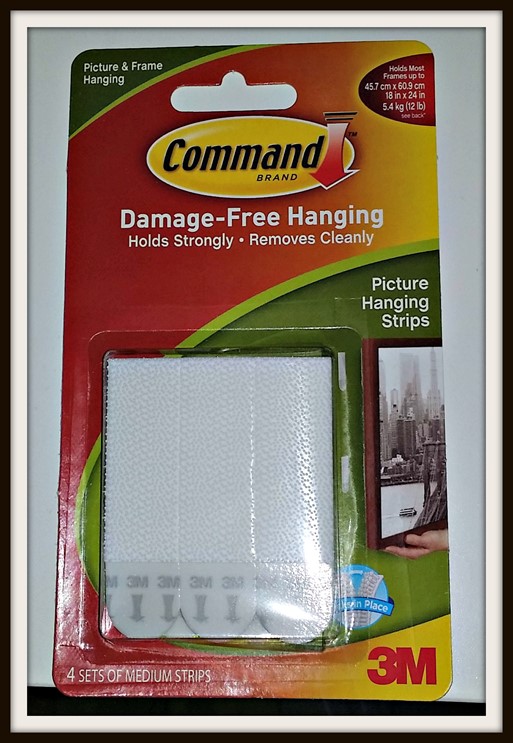
We also ordered some 3M Command Strips in Medium, to affix our canvas to the wall. These strips promise to protect your wall and your canvas, and since we have quite weak plaster walls, we thought that the Command Strips would be a much better option than drilling a hole into our wall.
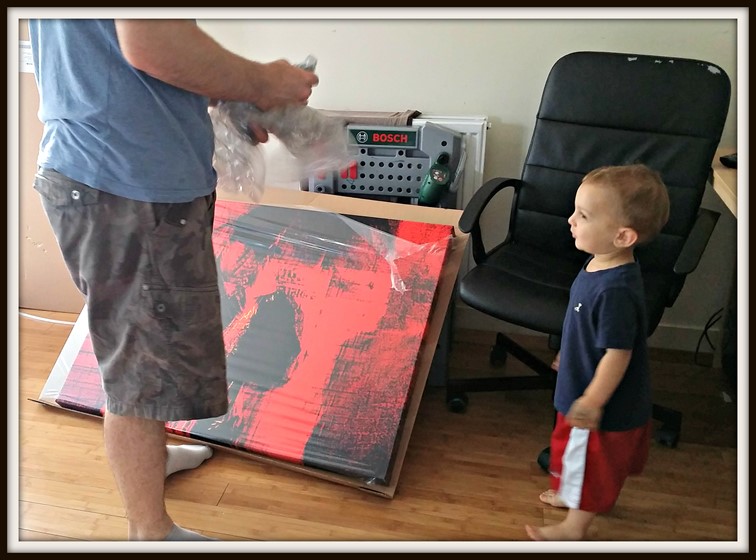
The packaging that came with the delivery of the canvas was very strong, sandwiched between two hard pieces of cardboard to protect the print.
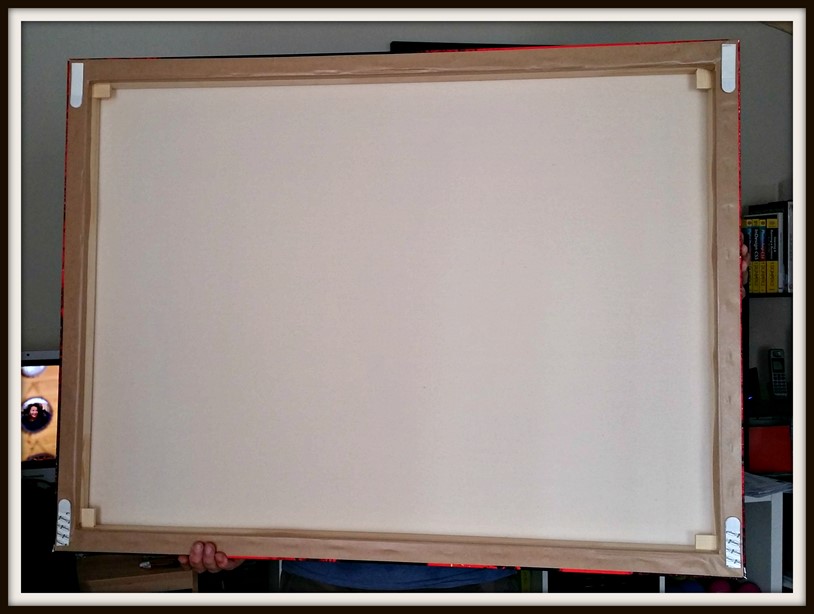
Below is the back of the canvas print. You can see the picture hanging strips that we secured to the canvas, with the counterpart strips already affixed to the wall.
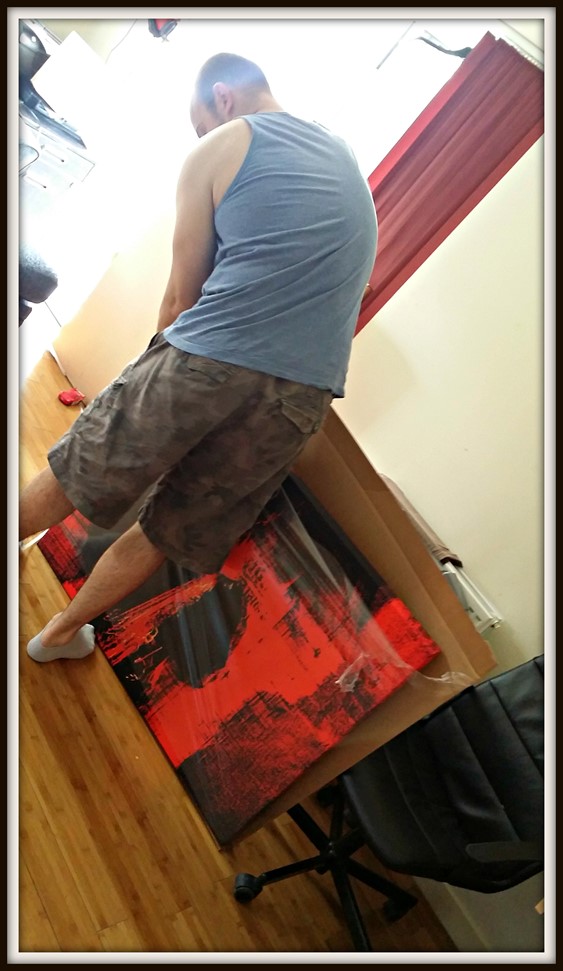
Securing the canvas to the wall was tricky, even hubby struggled to keep the canvas straight. We didn’t have a wall leveller to hand, so it was up to our untrained eyes to ensure the canvas was in the right position. The finished product wasn’t straight…
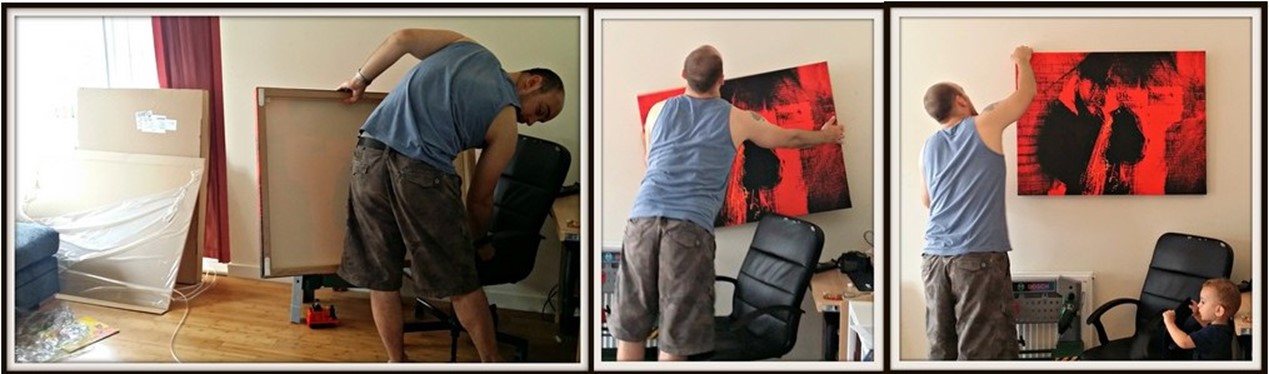
When we saw the canvas and the red saxophonist on the wall, we both agreed that we should have gone with the other image we had in mind, a picture of London Bridge and some warships on Thames River (below).

This was our canvas:
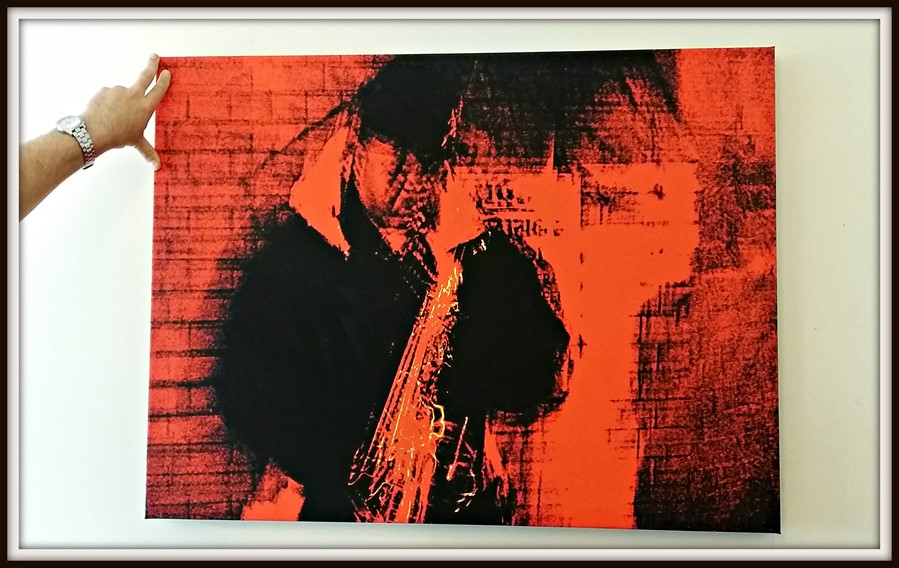
I was so impressed with the print quality of the canvas that I know the picture of London would have been a much better option, simply because the print would have been able to capture all the minute detail in the picture. Having said that, I’m still happy with the choice we’ve gone with and I will definitely look to buy a canvas from PhotoBox again.
What did I like most about PhotoBox’s Service and Canvas?
PhotoBox’s website is very easy to navigate, but they are missing a search button, which may help in finding a particular item you already have in mind. Although we picked the wrong image for our wall, the print quality is excellent. I think you’d be hard pushed to find a better quality print for such a large canvas, unless you’re willing to pay well within the hundreds to get it.
What to watch out for:
Use a wall leveller before you put up your canvas. Ours is not straight and it’s driving me mad!
Other points to note:
There are other canvas sizes available. Check out http://www.photobox.co.uk for a full selection of what PhotoBox can offer. The 3M Command Strips are a useful tool to couple the canvases too as they’re strong, sturdy and safe for use on weak walls like ours.
Rating:

5 out of 5 – It was our fault for not choosing the right image, but that’s it. There is nothing bad to say about PhotoBox. The online service is easy to follow and quick to use, with regular updates on when your canvas will arrive and swift delivery afterwards. I will definitely look to buy from PhotoBox again.
*I was gifted a canvas from PhotoBox, but the review and my opinions are 100% my own.*









Love your reviews!!
Also the mobile version to your site is very good and quick 🙂
Thank you! 🙂